
Bullseye Pattern
Loading the math board and drawing, please wait…
In collections
Projectile Projects W15
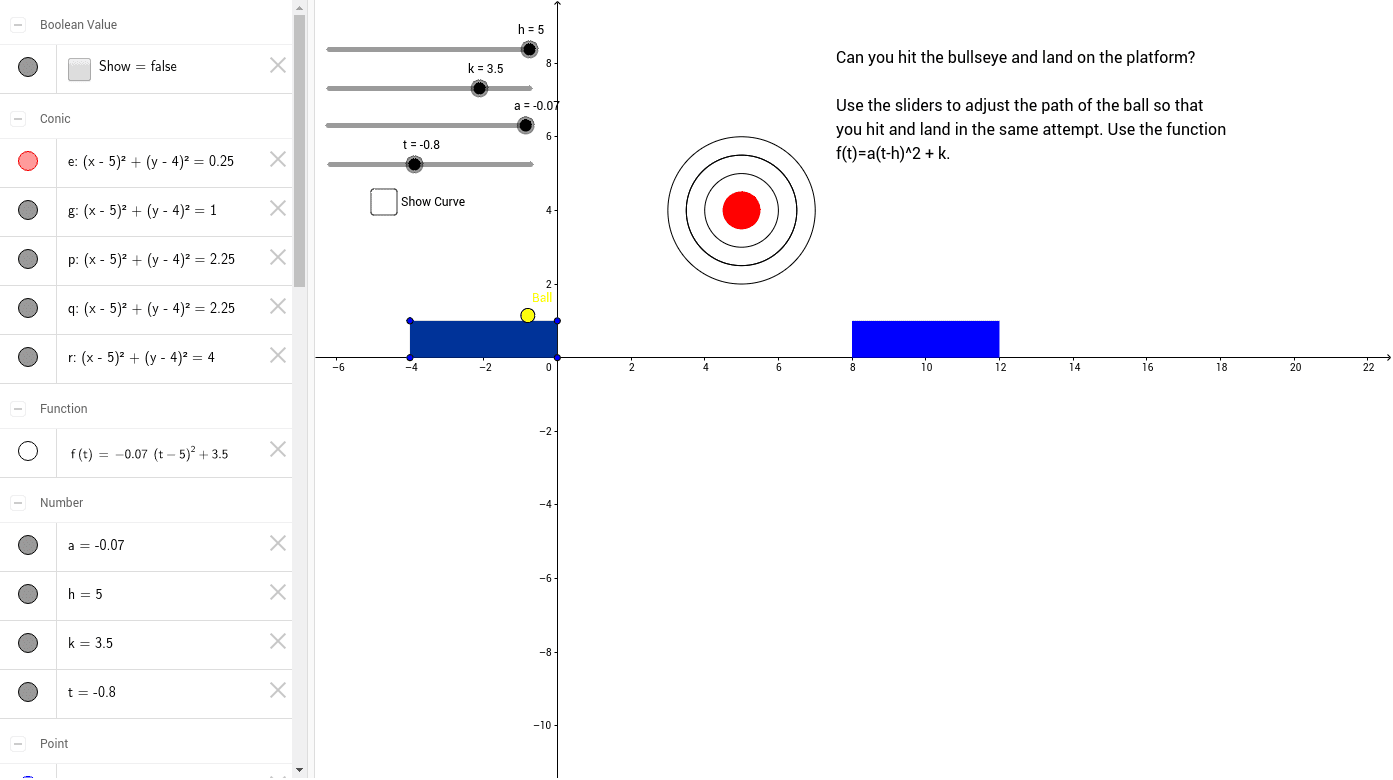
This example demonstrates the construction of a bullseye pattern. It involves the geometric relationship between polygons and circles. Using the Polygon and Circle commands, a bullseye pattern can be constructed. Suitable for students at the junior high school level and above to learn about polygons and circles.
GeoGebra Commands & Parameters
Polygon(A, B, C, D) → poly1, a_1, b, c, dCircle(K, L) → eCircle(K, Q) → gCircle(K, S) → pCircle(K, S) → qCircle(K, T) → rPolygon(E, F, H, G) → poly2, i, j, l, m
AI Drawing Prompt Reference
Draw a bullseye pattern with concentric circles and squares, where squares are nested inside circles and increase in size outward, demonstrating the geometric relationship between polygons and circles. Start with the central circle, then add outer circles, and finally divide the circles into squares to create the bullseye effect.
The prompt above was compiled from the original drawing commands and is for reference only.