
Bullseye!
Loading the math board and drawing, please wait…
In collections
Projectile Projects W15
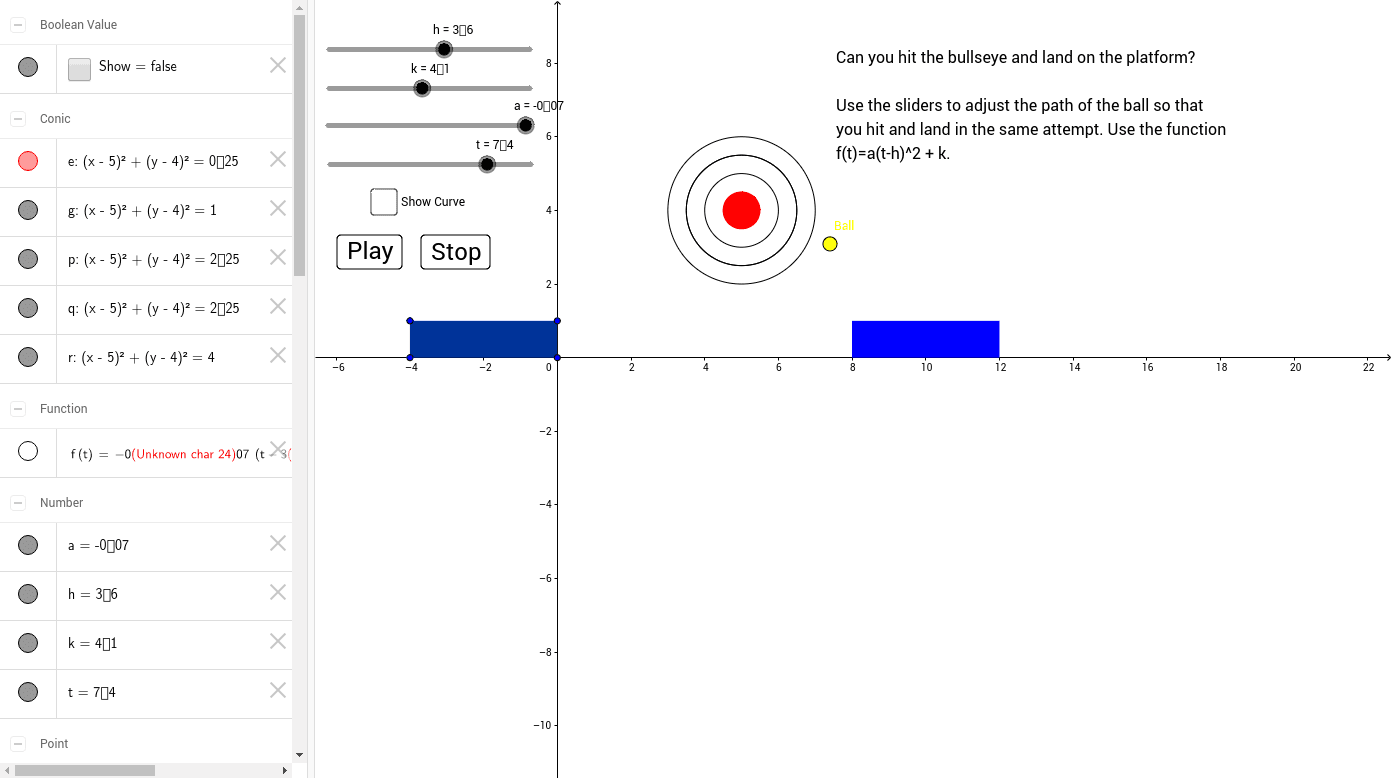
This example demonstrates the construction of a bullseye. It involves key mathematical concepts such as circles, polygons, and symmetry. Using GeoGebra commands like Polygon and Circle, you can dynamically adjust the size and shape of the bullseye. Suitable for middle school and above students to learn geometric construction and transformations.
GeoGebra Commands & Parameters
Polygon(A, B, C, D) → poly1, a_1, b, c, dCircle(K, L) → eCircle(K, Q) → gCircle(K, S) → pCircle(K, S) → qCircle(K, T) → rPolygon(E, F, H, G) → poly2, i, j, l, m