
Build a House: Construct a Square Given One Side
Loading the math board and drawing, please wait…
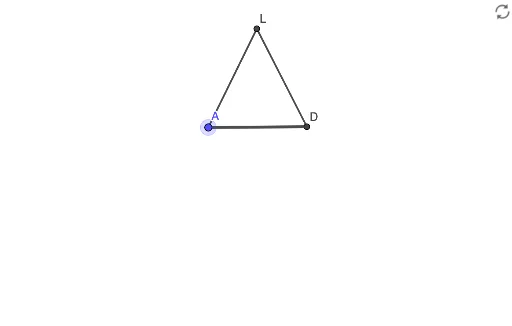
① This example demonstrates how to construct a square from a given side using straightedge-and-compass techniques, presented through the engaging theme of building a house. ② Core mathematical concepts include properties of squares, perpendicular and parallel lines, circle intersections, and the construction of segments and polygons. ③ Construction details: Based on the summary, GeoGebra commands such as Segment, Line, Circle, Intersect, and Polygon are used, involving objects like points A, B, C, D, E and auxiliary lines f, g, c, d, etc. The process involves drawing perpendiculars and arcs to determine the four vertices of the square, then connecting them with the polygon tool, and finally adding house features. ④ Suitable for middle school geometry lessons or introductory geometric construction, helping students understand fundamental compass-and-straightedge constructions and the logic behind them, while fostering spatial reasoning and deductive skills.
GeoGebra Commands & Parameters
Segment(A, B) → fLine(A, B) → gCircle(B, Segment[A, B]) → cCircle(A, Segment[B, A]) → dIntersect(d, g) → C, DIntersect(c, g, 2) → ECircle(E, Segment[A, E]) → eCircle(A, Segment[A, E]) → hCircle(B, Segment[A, E]) → kCircle(C, Segment[B, C]) → pIntersect(k, p, 2) → FIntersect(e, h, 2) → GLine(F, A) → iLine(G, B) → jIntersect(d, i, 1) → HIntersect(c, j, 1) → IIntersect(h, k, 1) → JIntersect(h, k, 2) → KLine(J, K) → lLine(H, I) → mIntersect(l, m) → LSegment(L, A) → nSegment(B, L) → qPolygon(L, A, B) → t1, b, l_1, a