
Bisect an Angle by Jonathan Garfield
Loading the math board and drawing, please wait…
In collections
Basic Construction Activities
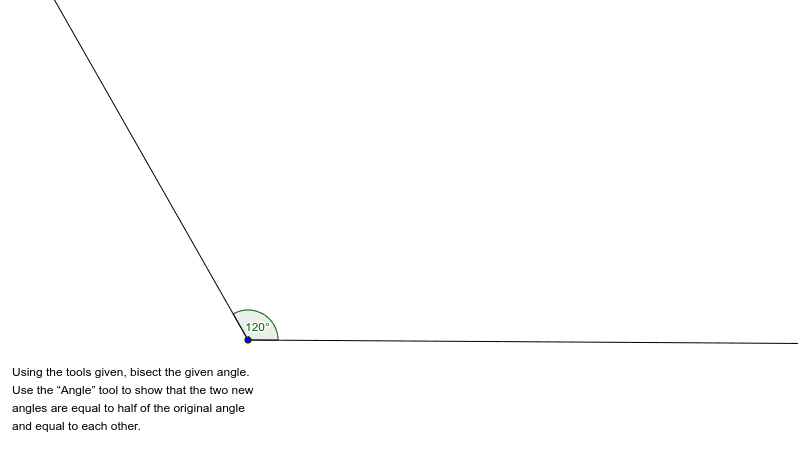
This GeoGebra example demonstrates how to construct the bisector of an angle dynamically, showing the angle being divided into two equal parts. The core mathematical concept is the definition and property of an angle bisector, which splits an angle into two congruent angles. The construction uses the Ray command to create the two sides of the angle, the Angle command to mark and measure the angle α, and a text object (text1) to display the angle measure. Suitable for middle school geometry lessons to visualize angle bisectors, and also useful for high school review of geometric constructions, enhancing understanding of dynamic geometry tools.
GeoGebra Commands & Parameters
Ray(A, B) → aRay(A, C) → bAngle(b, a) → α
AI Drawing Prompt Reference
Draw an angle and its bisector. First, draw two rays from point A through points B and C respectively. Then, use the definition of an angle bisector to divide angle α into two equal parts. The steps are: draw ray a from A through B, draw ray b from A through C, and finally construct the angle bisector of angle α.
The prompt above was compiled from the original drawing commands and is for reference only.