
Bezier Cylinder Volume Calculation
Loading the math board and drawing, please wait…
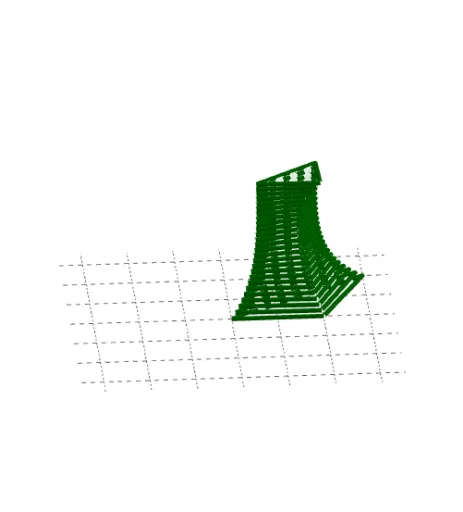
This example demonstrates how to calculate the volume of a Bezier cylinder. The core mathematical concepts involved include solid geometry, integration, and volume calculation. The construction highlights the use of GeoGebra command object L_1 to build the Bezier surface and compute its volume. Suitable for high school and above students to learn and understand volume calculation methods for complex geometric solids.
GeoGebra Commands & Parameters
{Polygon[(0, 0, 0), (2, 0, 0), (3, 2, 0)], Polygon[(0.08496854016000001, 0.0595081088, 0.12000000000000001), (1.9543362006400002, 0.0345336621056, 0.12000000000000001), (2.83819820544, 1.9088546687999
AI Drawing Prompt Reference
Draw a Bezier surface to demonstrate the volume calculation method, including its base and side surfaces. Show the integration process to compute the volume, suitable for learning volume calculations of complex geometric solids. Start by drawing the base polygon, then construct the Bezier representation of the surface, and finally calculate and display the volume result.
The prompt above was compiled from the original drawing commands and is for reference only.