
Basic Constructions by Sam
Loading the math board and drawing, please wait…
In collections
Making Geometric Constructions
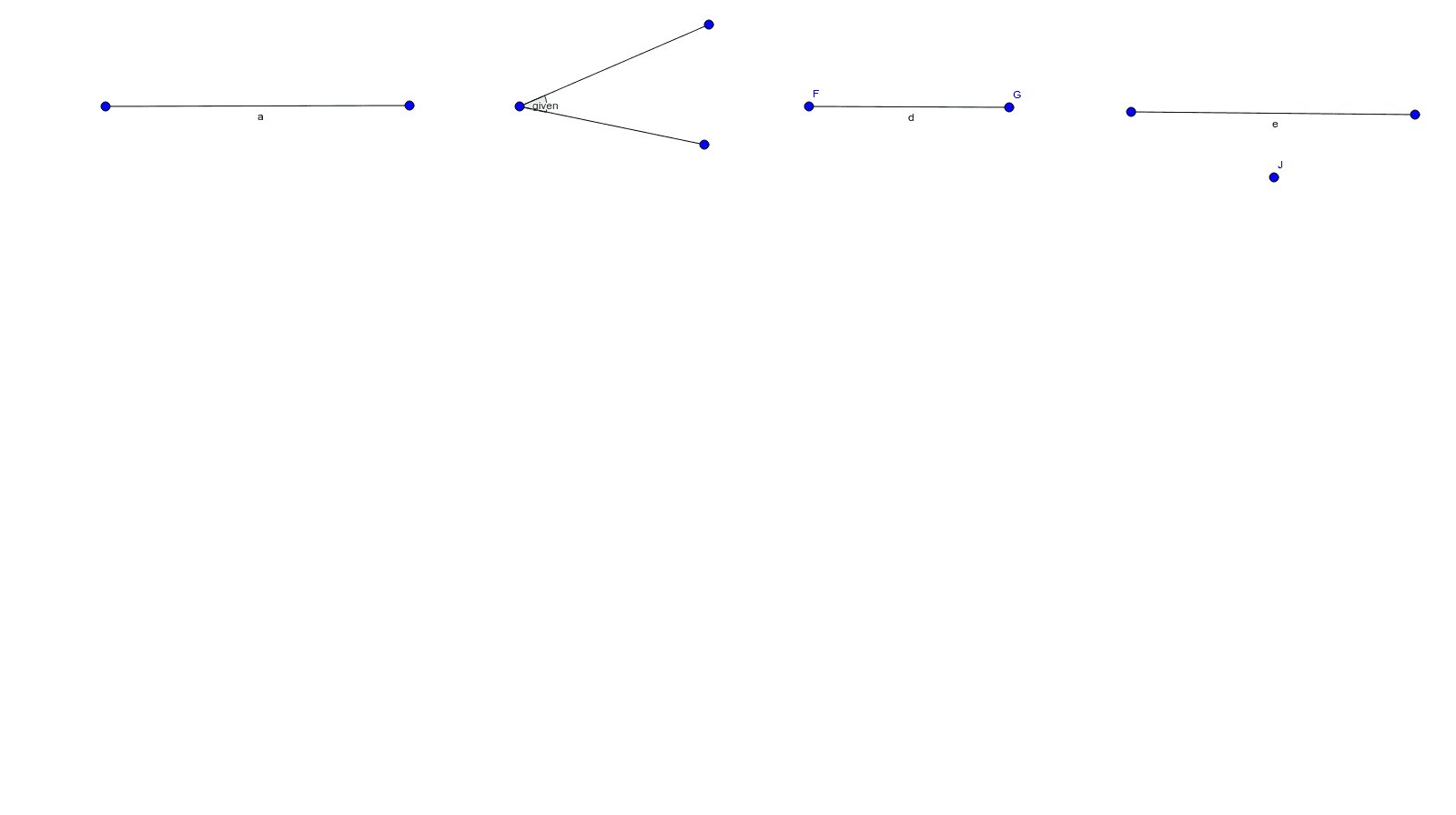
This GeoGebra example by Sam demonstrates fundamental geometric construction techniques, focusing on creating basic shapes and exploring mathematical phenomena through interactive drawings. It showcases the use of segments and angles to construct figures like rectangles, while integrating core concepts such as geometric constructions, unit circle, functions, trigonometry, and translation. The construction process involves GeoGebra commands like Segment for drawing line segments and Angle for measuring or creating angles, with objects including points A, B, a, C, D, b, E, c, given, F, G, d, H, I, e, J representing vertices and parameters. This approach emphasizes step-by-step precision and visualization, making it ideal for educational purposes. It is particularly suitable for middle school or high school mathematics courses, especially in geometry, trigonometry, or coordinate geometry units, where it serves as a hands-on tool to enhance student understanding of geometric relationships and transformations.
GeoGebra Commands & Parameters
Segment(A, B) → aSegment(C, D) → bSegment(C, E) → cAngle(D, C, E) → givenSegment(F, G) → dSegment(H, I) → e
AI Drawing Prompt Reference
First draw a straight segment joining two points, then draw another straight segment joining a different pair of points, next extend a third straight segment from one endpoint of the second segment, then construct the angle formed by the first two segments at their common vertex and mark it with an arc, and finally add two additional independent straight segments.
The prompt above was compiled from the original drawing commands and is for reference only.