
Inscribe an Equilateral Triangle, Square, and Regular Hexagon in a Circle
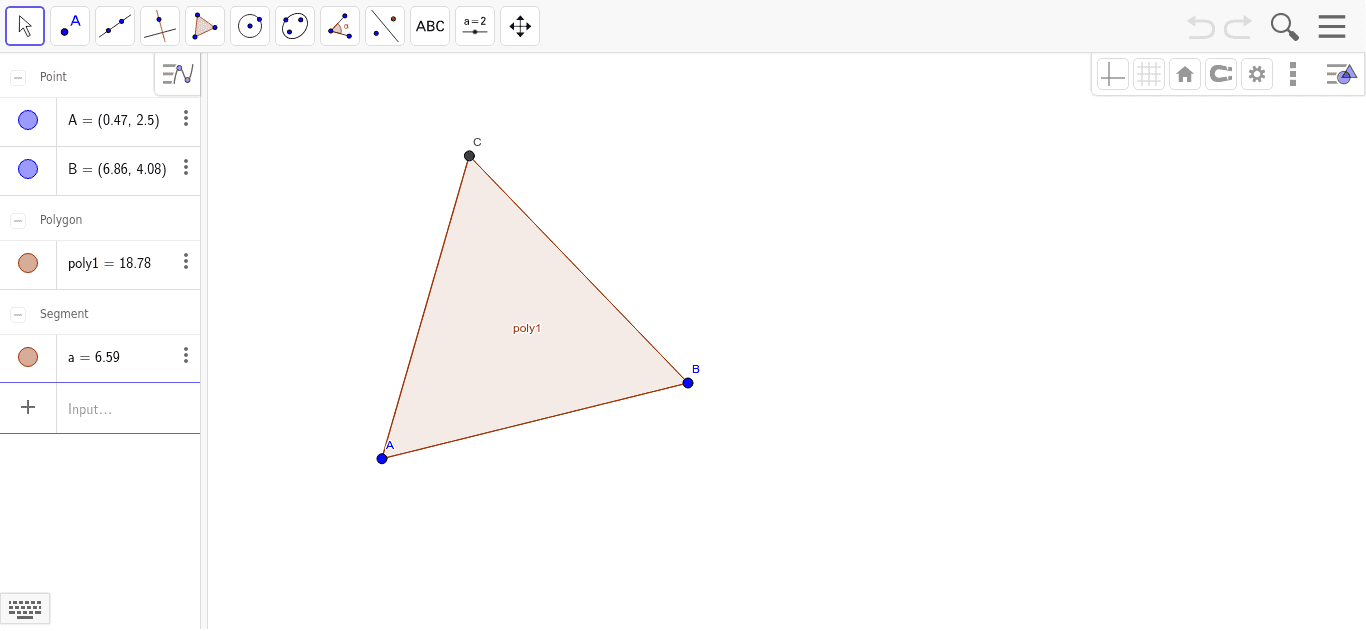
Loading the math board and drawing, please wait…
In collections
Making Geometric Constructions
This example demonstrates how to inscribe an equilateral triangle, square, and regular hexagon in a circle. By constructing an equilateral triangle, we can understand the basic properties of regular polygons. The construction involves using the Polygon command to create polygons and determining the positions of the vertices using the properties of the circle. Suitable for students at the junior high school level and above for geometric construction.
GeoGebra Commands & Parameters
Polygon(A, B, 3) → poly1, a, b, c, C
AI Drawing Prompt Reference
Draw an equilateral triangle, a square, and a regular hexagon inscribed within a circle, showing how they fit perfectly inside. Start with the triangle, placing its vertices evenly around the circle, then build the square using the triangle's vertices so that its sides touch the circle, and finally create the hexagon starting from the square's vertices, ensuring each point lies on the circle's circumference.
The prompt above was compiled from the original drawing commands and is for reference only.