
Basic Construction 8: Construct a Square
Loading the math board and drawing, please wait…
In collections
Basic Constructions
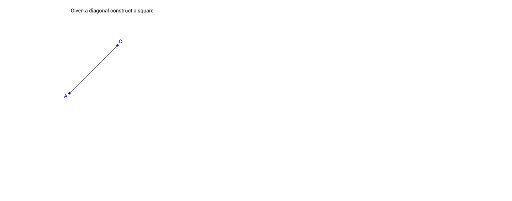
This example demonstrates how to construct a square using GeoGebra's basic construction tools, illustrating the geometric properties of a square (all sides equal and all angles 90 degrees). The core mathematical concepts include the definition of a square and the principles of straightedge-and-compass construction. The construction process uses the Segment command to create an initial side, then constructs perpendicular lines and equal-length segments to determine the remaining vertices, finally forming the square. Key objects include text1, points A and C, and segment a, showing a step-by-step logical derivation from given conditions. This is suitable for middle school geometry lessons or beginners learning geometric construction, helping students understand the reasoning and sequence behind geometric constructions.
GeoGebra Commands & Parameters
Segment(A, C) → a
AI Drawing Prompt Reference
Draw a square by first creating a line segment as one side of the square. Then, use the endpoints of this segment as centers and the segment length as the radius to draw two circles. The intersection points of these circles will be the other two vertices of the square. Connect these points to form the square.
The prompt above was compiled from the original drawing commands and is for reference only.