
Basic Circle Constructions
Loading the math board and drawing, please wait…
In collections
Geometric Constructions
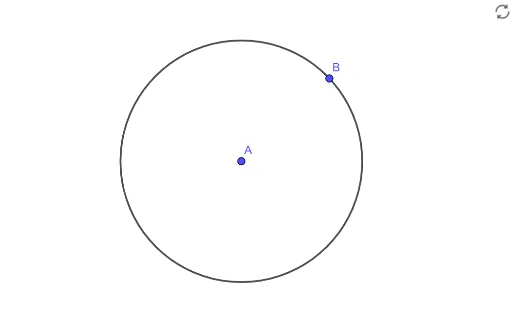
This example demonstrates how to construct basic circles using GeoGebra. The core mathematical concepts involved are the definition of a circle and fundamental geometric constructions. Key construction steps include using the Circle command and utilizing points A, B, and length c to determine the position and size of the circle. Suitable for middle school students and above for learning and practicing geometric construction skills.
GeoGebra Commands & Parameters
Circle(A, B) → c
AI Drawing Prompt Reference
Draw a circle with points A and B as the endpoints of its diameter. First, create points A and B, then construct the circle by selecting these two points.
The prompt above was compiled from the original drawing commands and is for reference only.