
Area & Perimeter: Part 3
Loading the math board and drawing, please wait…
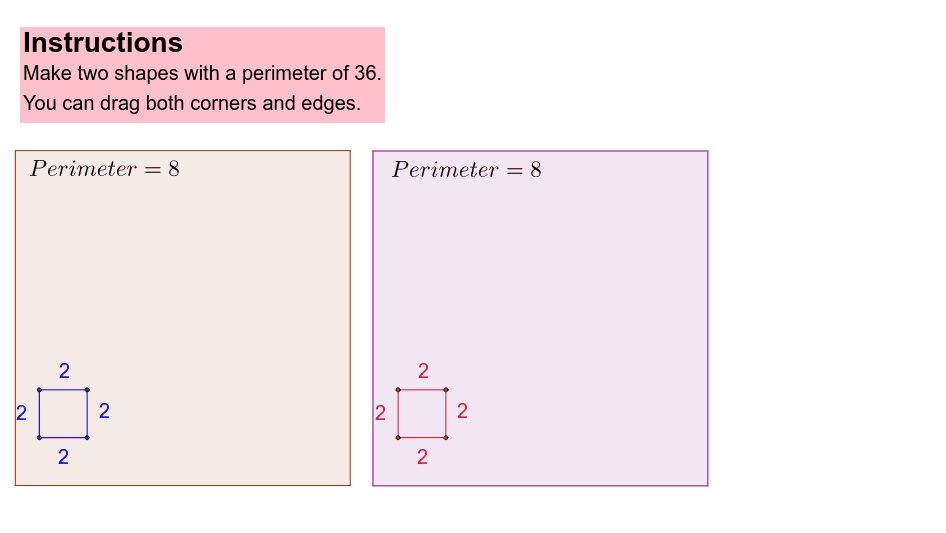
This example demonstrates polygon area and perimeter calculation with visualization. Core concepts include polygon construction, area formulas, perimeter computation, and function graphing. It uses commands like Segment and Polygon, involving objects such as a, b, c, d, A, B, f_2, C, g, D, h, i. Suitable for high school geometry education or learning about polygon properties and function relationships.
GeoGebra Commands & Parameters
Segment(A, B) → f_2Segment(B, C) → gSegment(C, D) → hSegment(D, A) → iSegment(A_1, B_1) → f_1Segment(B_1, C_1) → g_1Segment(C_1, D_1) → h_1Segment(D_1, A_1) → i_1Polygon(E, F, G, H) → poly1, e_1, f_3, g_2, h_2Polygon(E_1, F_1, G_1, H_1) → poly1_1, e_2, f_4, g_3, h_3
AI Drawing Prompt Reference
Draw two quadrilaterals by connecting four line segments for each, fill one of them. Also, draw two sets of parallel line segments, each set containing four segments corresponding to the external outlines of the two quadrilaterals. Finally, draw lines connecting corresponding vertices of the two quadrilaterals to form two sets of parallel parallelograms.
The prompt above was compiled from the original drawing commands and is for reference only.