
Area Model Multiplication Visualization
Loading the math board and drawing, please wait…
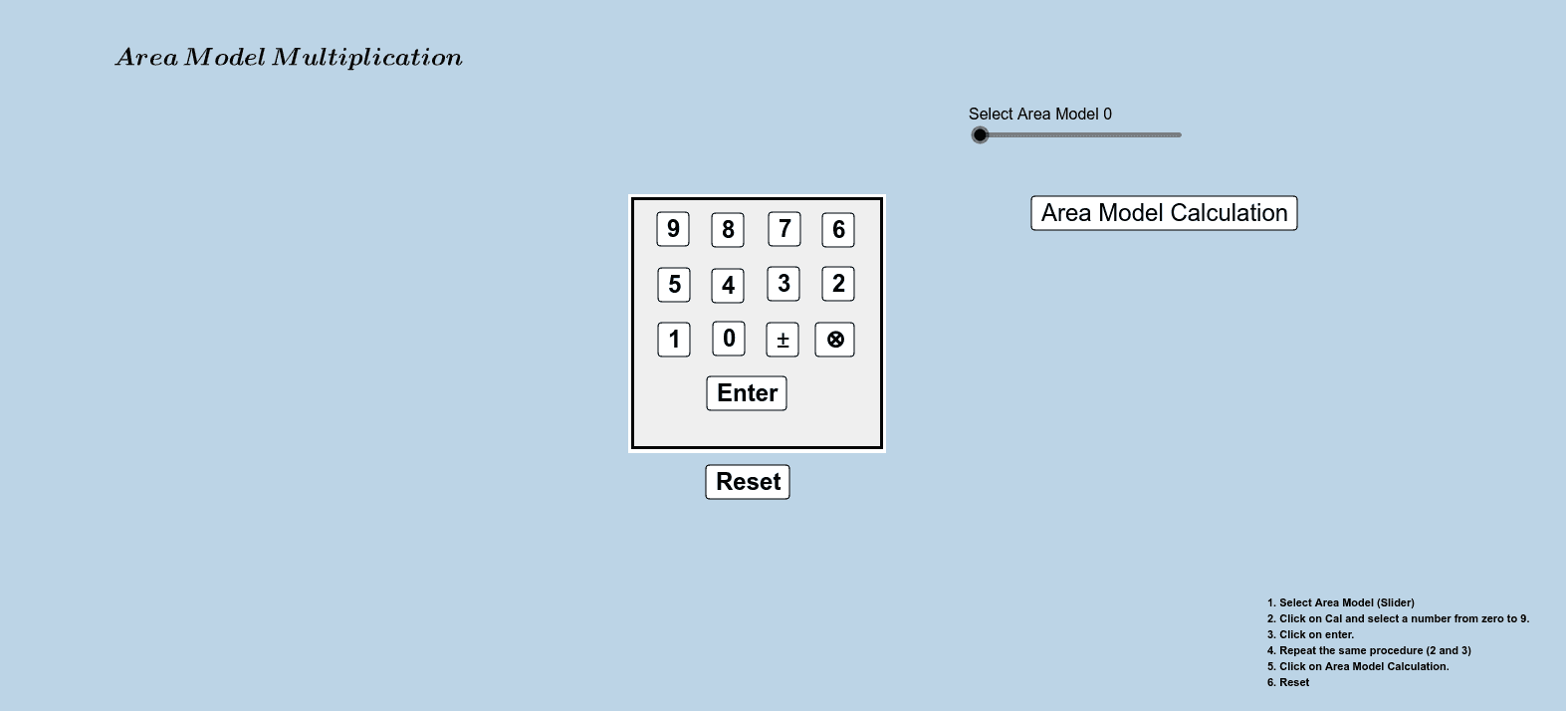
This GeoGebra example demonstrates multiplication using an area model: a rectangle is partitioned into smaller blocks, and the areas of the blocks are shown to correspond to the terms in an algebraic product. It highlights the phenomenon that combining area pieces reproduces the overall area, providing a geometric meaning for multiplication and multiplication-distribution. Key concepts include area representation of arithmetic, algebraic expansion via partitioning, and the use of length-to-area relationships. Construction is driven by conditional logic (the If command) to switch or update parts of the diagram, and by interactive objects such as multiple points (p_0, p_1–p_4 and others like n4–n1, n), auxiliary parameters/labels (e, l, q, o, w), line/length references (L, L1), and several buttons (button1–button13) to step through the model or adjust given dimensions. Suitable for middle school through early high school lessons and instructional demos aimed at building conceptual understanding of multiplication, distributive behavior, and area-based reasoning.
GeoGebra Commands & Parameters
If(p_0 ≟ true, (-n), n) → n_0If(p_1 ≟ true, (-n1), n1) → n_1If(p_2 ≟ true, (-n2), n2) → n_2If(p_3 ≟ true, (-n3), n3) → n_3If(p_4 ≟ true, (-n4), n4) → n_4
AI Drawing Prompt Reference
Draw a rectangle and partition it into several smaller rectangular areas, where the area of each small rectangle represents a term in an algebraic product. Use sliders to adjust the size of each small rectangle and click buttons to step through the process of how the areas of these smaller rectangles combine to form the area of the whole rectangle.
The prompt above was compiled from the original drawing commands and is for reference only.