
Area Formula for a Triangle
Loading the math board and drawing, please wait…
In collections
Trigonometric Rules
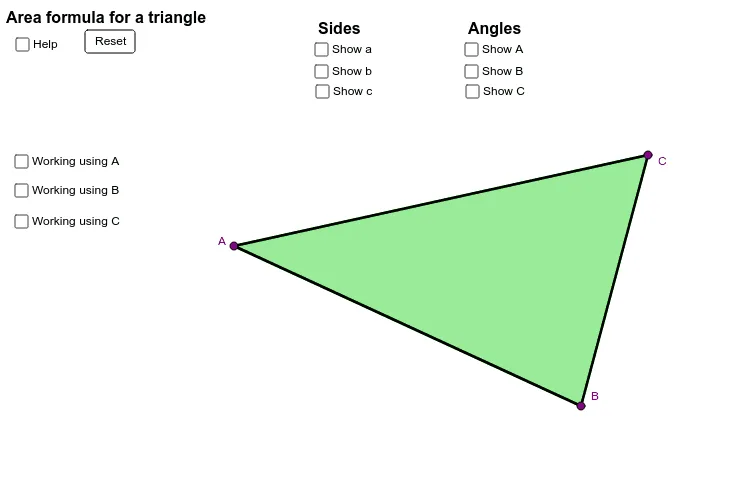
This example demonstrates how to calculate the area of a triangle using the sine function. Key mathematical concepts include the area formula for a triangle and the sine function. By constructing the three sides and three angles of a triangle, the Polygon command is used to create the triangle, and the Segment and Angle commands are used to draw the sides and angles. The area is calculated using the sine theorem. Suitable for high school mathematics education and learning.
GeoGebra Commands & Parameters
Polygon(A, B, C) → poly1, c, a, bSegment(C, A) → dSegment(A, B) → eSegment(B, C) → fAngle(A, B, C) → αAngle(B, C, A) → βAngle(C, A, B) → γSegment(A, B) → jSegment(B, C) → kSegment(C, A) → l
AI Drawing Prompt Reference
Draw a triangle ABC with points A, B, and C as vertices. First, draw the three sides AB, BC, and CA, then draw the three interior angles ∠A, ∠B, and ∠C. Finally, calculate the area of the triangle using the sine theorem.
The prompt above was compiled from the original drawing commands and is for reference only.