
Area Comparison - Easier
Loading the math board and drawing, please wait…
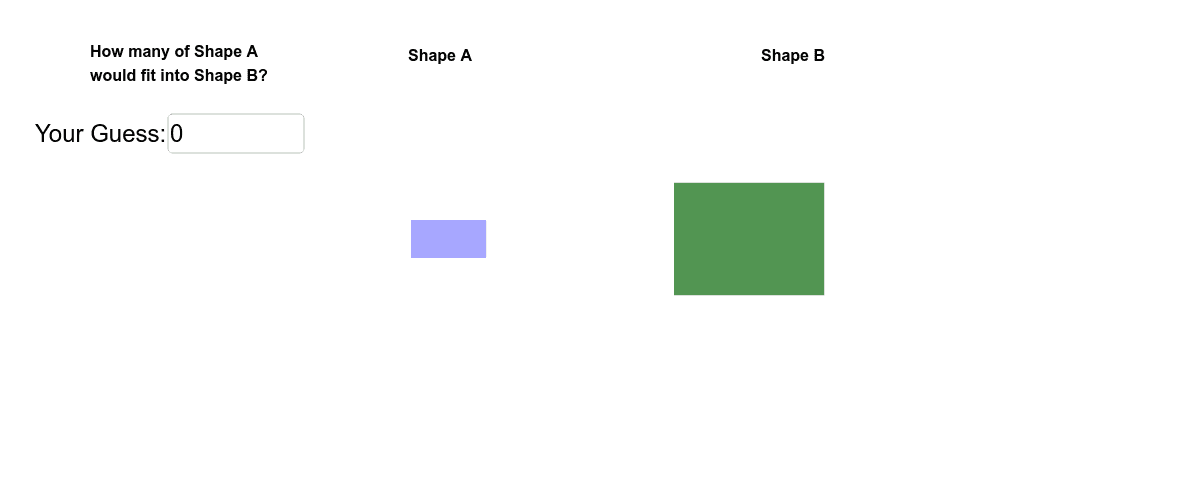
This example demonstrates the comparison of areas between two rectangles, where one rectangle has a randomly generated area and the other is adjustable by dragging its sides. Key math concepts include area calculation, integer ratios, and optimization problems. It uses commands like Random, Polygon, If, Textfield, and Segment to construct the shapes and display information, making it suitable for middle school and above to understand basic area calculation and optimization techniques.
GeoGebra Commands & Parameters
Random(1, 3) → widARandom(1, 3) → lenAPolygon(I, J, K, L) → poly7, i, j, k, lPolygon(E, F, G, H) → poly2, e, f, g, hIf(abs(guess1 - correct) / correct < 1, abs(guess1 - correct) / correct, 1) → error1Polygon(B, C, D, A) → poly1, b, c, d, aRandom(1, 4) → missingARandom(1, 4) → missingBPolygon(B_1, C_1, D_1, A_1) → poly1_1, b_1, c_1, d_1, a_1Polygon(F, G, H) → poly3, h_1, f_1, g_1Polygon(E, G, H) → poly4, h_2, e_1, g_2Polygon(E, F, G) → poly5, g_3, e_2, f_2Polygon(E, F, H) → poly6, h_3, e_3, f_3Polygon(J, K, L) → poly8, l_1, j_1, k_1Polygon(I, K, L) → poly9, l_2, i_1, k_2Polygon(I, J, L) → poly10, l_3, i_2, j_2Polygon(I, J, K) → poly11, k_3, i_3, j_3Textfield(guess1) → inputBox1Segment(Q, R) → mSegment(R, S) → nSegment(R, T) → p
AI Drawing Prompt Reference
Draw two rectangles, one with randomly generated length and width, and the other with adjustable sides. Compare their areas and display the area of each rectangle. One rectangle is missing a part that can be adjusted by dragging. Show some text information next to the shapes, including the areas and the ratio of the areas of the two rectangles.
The prompt above was compiled from the original drawing commands and is for reference only.