
Arc Lengths on the Unit Circle
Loading the math board and drawing, please wait…
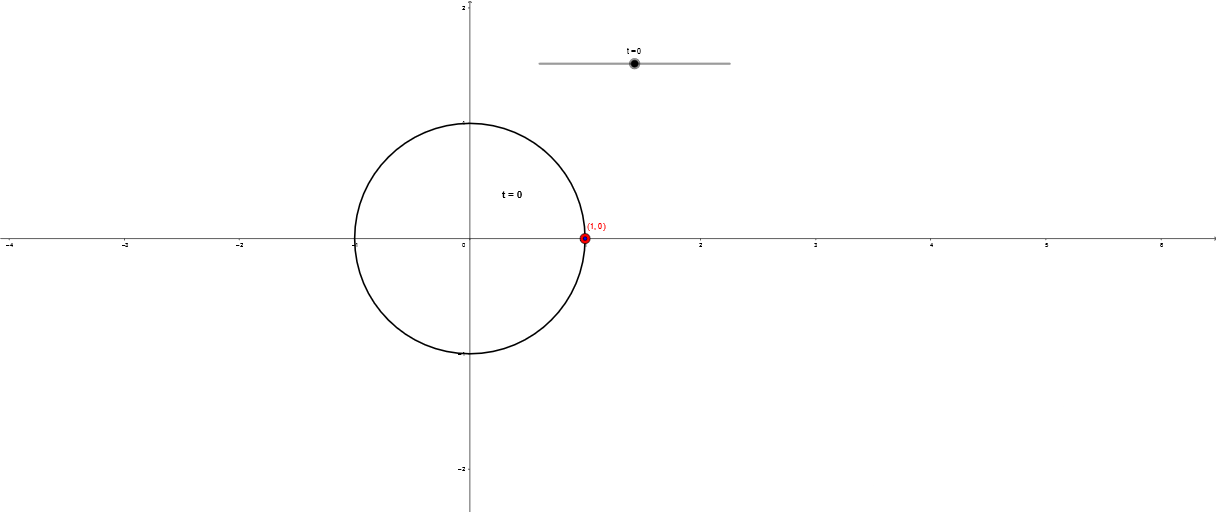
This example demonstrates the calculation and visualization of arc lengths on the unit circle. Core mathematical concepts include circle geometry, trigonometric functions, and integral calculus. Construction highlights the use of GeoGebra's If command for conditional object rendering, involving objects like c (circle), t (parameter), A (point), text2 (text), B (point), and d. Suitable for high school and above students learning calculus and coordinate geometry, helping to understand arc length formulas and parametric equations.
GeoGebra Commands & Parameters
If(t ≥ 0, Arc[c, B, A], Arc[c, A, B]) → d
AI Drawing Prompt Reference
Visualize arc lengths on a unit circle using a parameter t to represent angles, with the arc direction determined by t's value, either from point B to A or A to B, using conditional rendering to display the arcs accordingly.
The prompt above was compiled from the original drawing commands and is for reference only.