
Approximating Area with Trapezium Rule
Loading the math board and drawing, please wait…
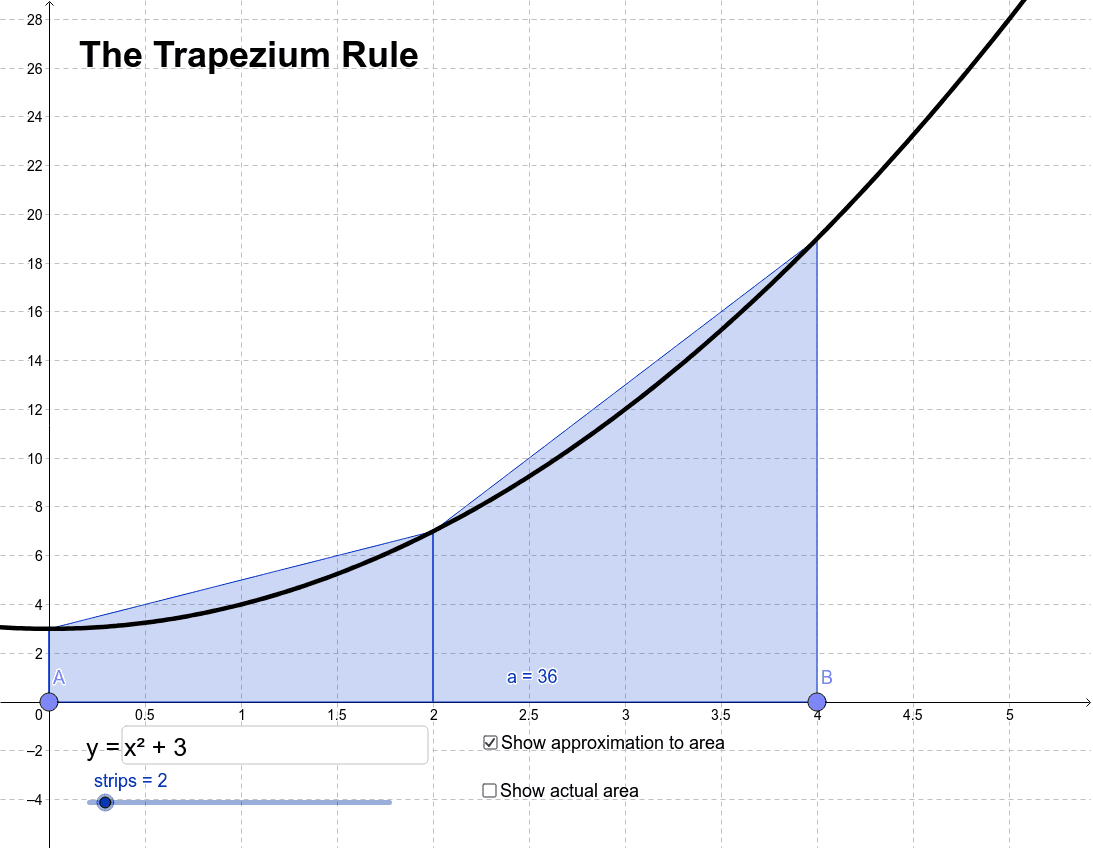
This example demonstrates how to approximate the area under a curve using the trapezium rule. By dragging points A and B to change the start and end points, you can observe the effect of different numbers of trapezoids on the approximation. The core mathematical concepts involved include functions, integrals, and approximation. The example uses GeoGebra commands such as Point, Textfield, TrapezoidalSum, and Integral, suitable for high school mathematics education and learning.
GeoGebra Commands & Parameters
Point(xAxis) → APoint(xAxis) → BTextfield(f) → inputBox1TrapezoidalSum(f, x(A), x(B), strips) → aIntegral(f, x(A), x(B)) → c