
Animated Construction Of The Perpendicular Bissector
Loading the math board and drawing, please wait…
In collections
Animated Geometric Constructions الإنشاءات الهندسية المُتحر
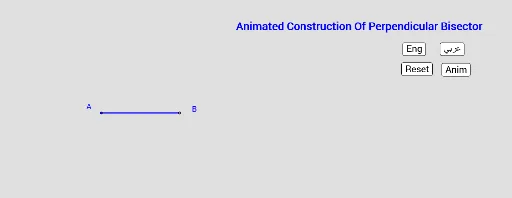
This example demonstrates how to construct a perpendicular bisector of a line segment through animation. Key math concepts involved include line segments, circles, intersections, angles, rotations, etc. The construction utilizes GeoGebra commands and objects such as Translate, Segment, Circle, Intersect, Angle, Rotate, CircleArc, Vector, Point, and LineBisector. Suitable for middle school students and above to learn geometric constructions and spatial reasoning.
GeoGebra Commands & Parameters
Translate(P, Vector[(ll * Vector[P, Q])]) → P'Segment(A, B) → fCircle(A, B) → cCircle(B, A) → dIntersect(c, d) → C, D, ,Segment(C, D) → gIntersect(f, g) → EAngle(B, E, C) → αRotate(B, (cc * t), A) → B'CircleArc(A, B, B') → eRotate(A, (dd * t), B) → A'CircleArc(B, A, A') → hVector(C, D) → uTranslate(C, Vector[(ll * u)]) → C'Point(e) → FSegment(P, P') → iCircleArc(F, A, A') → kLineBisector(f) → j