
Angles on a Straight Line by A Brookes
Loading the math board and drawing, please wait…
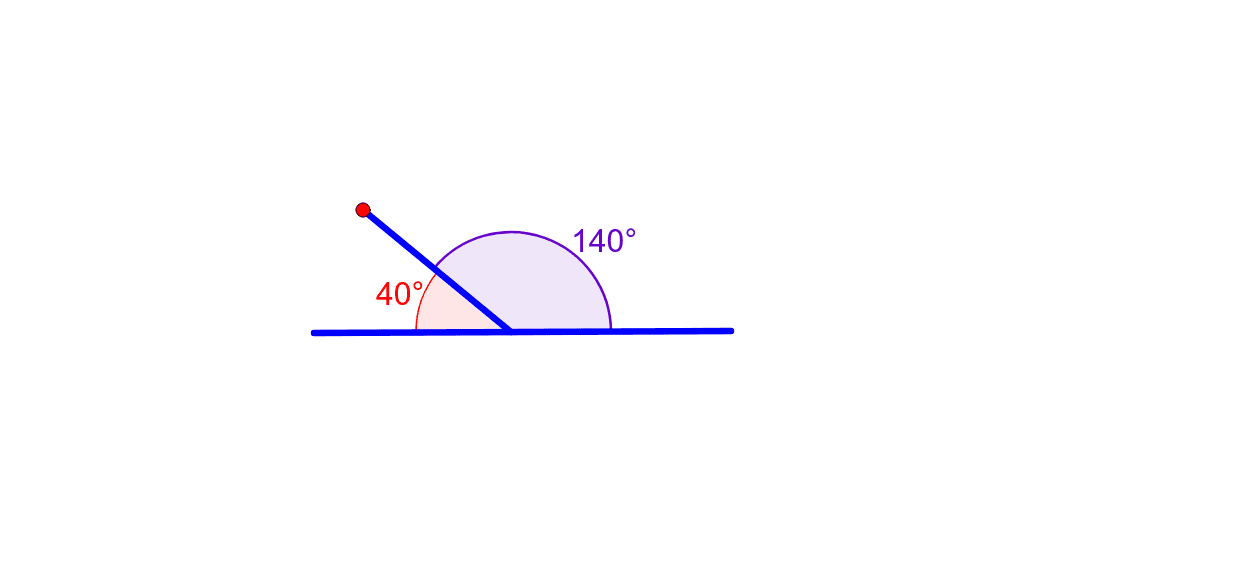
This example demonstrates angles on a straight line. Key mathematical concepts include the properties of angles. Using GeoGebra commands Segment, Point, Angle, and Intersect, this construction illustrates angles on a straight line. Suitable for middle school and above students learning geometric construction.
GeoGebra Commands & Parameters
Segment(A, B) → aPoint(a) → CSegment(C, D) → bAngle(a, b) → αIntersect(a, b) → GPoint(a) → IAngle(D, G, I) → β
AI Drawing Prompt Reference
Draw a straight line AB, then place a point C on the line. Draw another straight line CD starting from point C, and mark the intersection point G. Draw angle ∠ACD and label point G. Finally, draw angle ∠GDI to ensure all angles are clearly visible.
The prompt above was compiled from the original drawing commands and is for reference only.