
Angle Bisector Construction by Jennifer Gorsline
Loading the math board and drawing, please wait…
In collections
Integrated Math Constructions
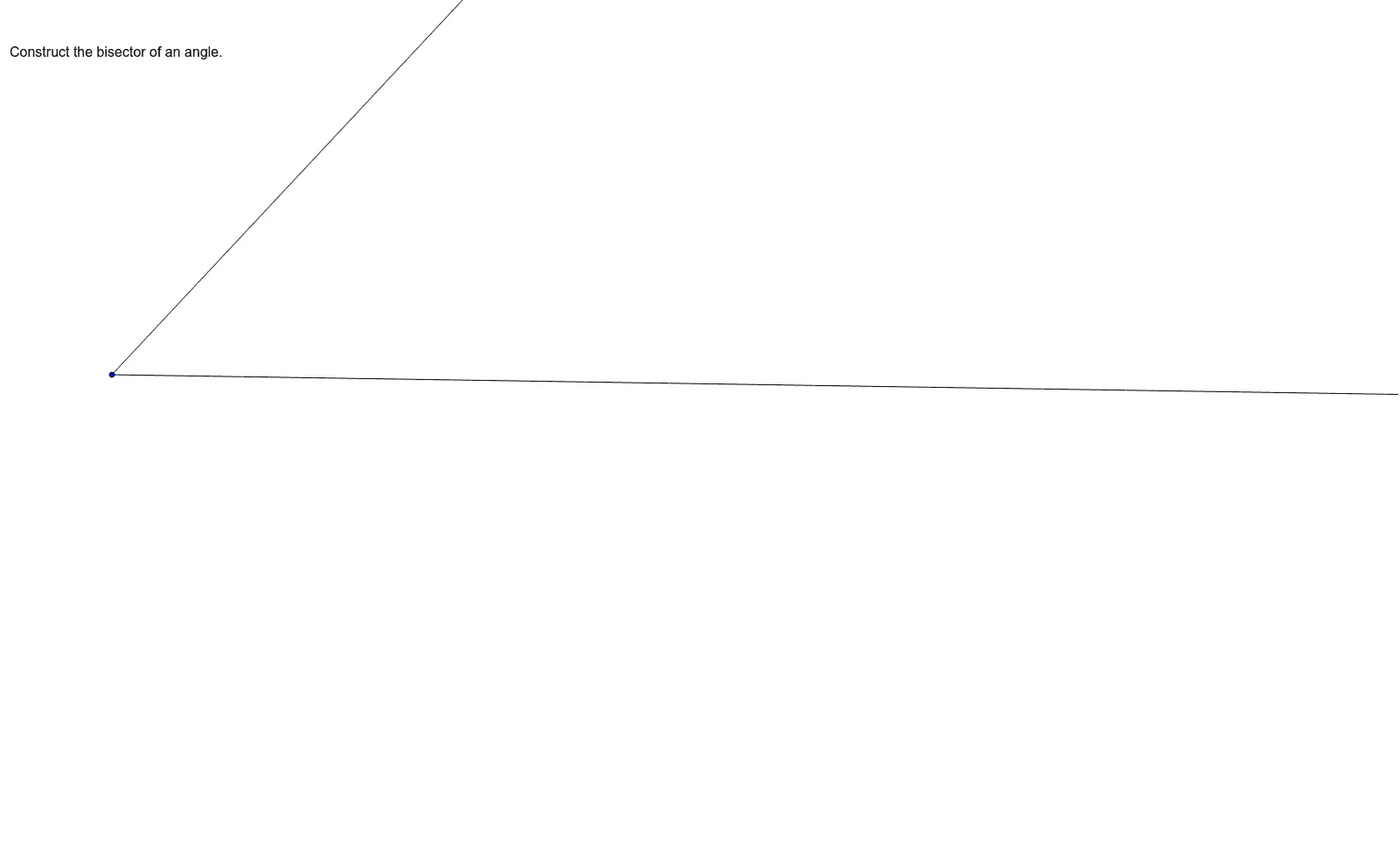
This example demonstrates how to construct the bisector of an angle using GeoGebra. Key math concepts include angles, line segments, and geometric construction. The construction involves commands like Ray and objects such as text1, A, B, C, D, E, F, a, G, b. It is suitable for middle school students and above, ideal for teaching geometric constructions and aiding in proofs.
GeoGebra Commands & Parameters
Ray(E, F) → aRay(E, G) → b
AI Drawing Prompt Reference
Draw the angle bisector of an angle. First, create points E and F. Then, draw a ray from E to F and another ray from E to G. These two rays form an angle, and finally, construct the angle bisector.
The prompt above was compiled from the original drawing commands and is for reference only.