
AI-Assisted Line Construction
Loading the math board and drawing, please wait…
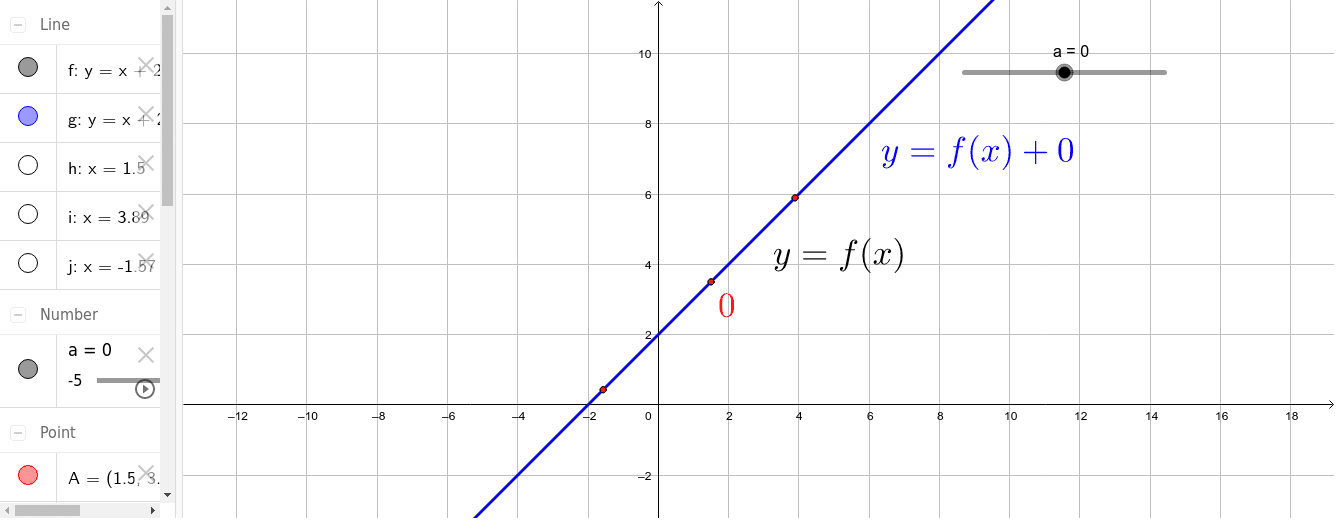
This example demonstrates how to use AI for line construction and geometric analysis. It involves core math concepts like parallel lines, vector operations, angle calculations, and coordinate geometry. GeoGebra commands used include Point, OrthogonalLine, Intersect, and Vector. Suitable for high school and above learners to understand the application of AI in geometric constructions.
GeoGebra Commands & Parameters
Point(f) → AOrthogonalLine(A, xAxis) → hIntersect(g, h) → BVector(A, B) → uPoint(g) → CPoint(f) → DPoint(f) → EOrthogonalLine(D, xAxis) → iOrthogonalLine(E, xAxis) → jIntersect(g, j) → FVector(E, F) → vIntersect(g, i) → GVector(D, G) → w
AI Drawing Prompt Reference
Draw a geometric figure in a coordinate system with two parallel lines g and f, and their orthogonal lines h and i with the x-axis. Construct vectors u and v through intersection points B and F, and vectors w through point D and G. Pay attention to the intersection points of parallel and orthogonal lines and the direction of the vectors.
The prompt above was compiled from the original drawing commands and is for reference only.