
Adjustable Number Line with Random Point
Loading the math board and drawing, please wait…
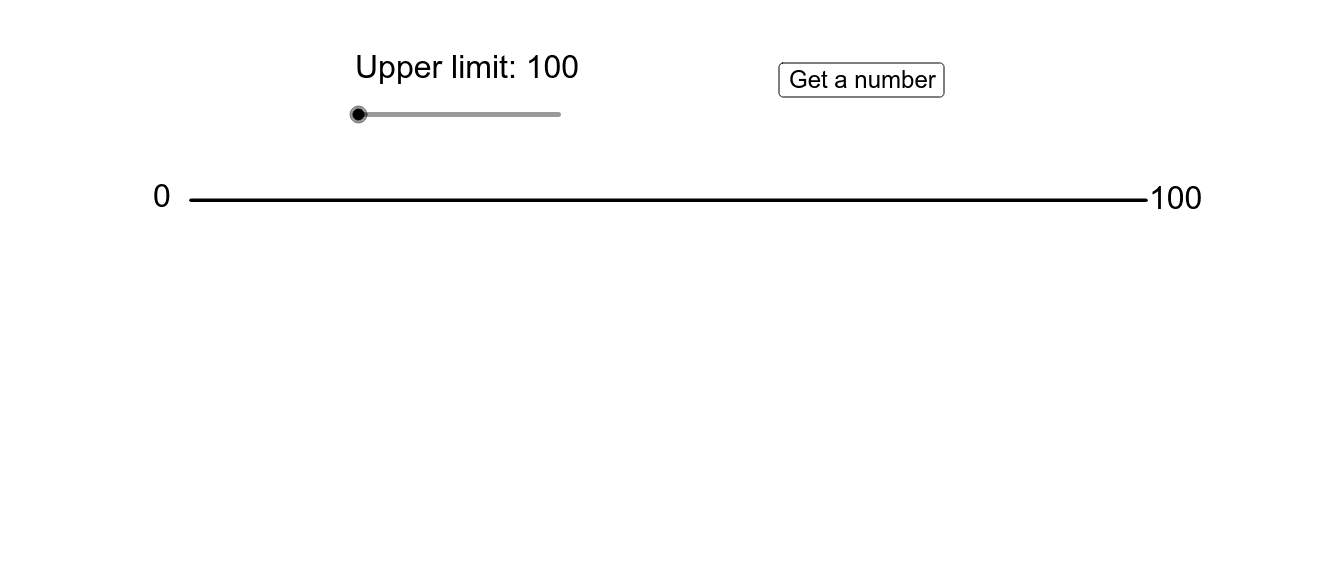
This example features an adjustable number line with a randomly generated point. By adjusting the range of the number line, you can observe points in different numerical intervals. The example involves number lines, random number generation, and zooming features. It uses commands such as If, Sequence, Element, Segment, Random, Point, and Text. Suitable for middle school and above students to learn about number lines and random number generation.
GeoGebra Commands & Parameters
If(limitslider ≥ 4, Shuffle[{0, 1, 2, 3, 4, 5, 6, 7, 8, 9}], {0, 0, 0, 0, 0, 0, 0, 0, 0, 0}) → tenthousandsIf(limitslider ≥ 5, Shuffle[{0, 1, 2, 3, 4, 5, 6, 7, 8, 9}], {0, 0, 0, 0, 0, 0, 0, 0, 0, 0}) → hundredthousandsIf(limitslider ≥ 3, Shuffle[{0, 1, 2, 3, 4, 5, 6, 7, 8, 9}], {0, 0, 0, 0, 0, 0, 0, 0, 0, 0}) → thousandsSequence(Random[0, 100], i, 1, 10) → tensElement({100, 1000, 10000, 100000, 1000000}, limitslider) → limitIf(limitslider ≥ 2, Shuffle[{0, 1, 2, 3, 4, 5, 6, 7, 8, 9}], {0, 0, 0, 0, 0, 0, 0, 0, 0, 0}) → hundredsElement(tenthousands, gradualtimer) → tenthousandElement(hundredthousands, gradualtimer) → hundredthousandElement(thousands, gradualtimer) → thousandElement(tens, gradualtimer) → tenElement(hundreds, gradualtimer) → hundredSegment((0, 0), (limit, 0)) → lineIf(limitslider ≟ 1, "100", If[limitslider ≟ 2, "1,000", If[limitslider ≟ 3, "10,000", If[limitslider ≟ 4, "100,000", "1,000,000"]]]) → fancylimitRandom(50, 100) → timerupperlimitSequence(Point[{(limit / 10 * i), 0}], i, 0, 10) → firststepSequence(Text[(limit * i / 10), (x(Element[firststep, i + 1]), 1 / 3)], i, 1, 9) → firstnumbersSequence(Point[{(floor(n / (limit / 10)) * limit / 10) + (i * limit / 100), 0}], i, 1, 9) → secondstepSequence(Element[firststep, i] - ((x(Corner[Element[firstnumbers, i], 2]) - x(Corner[Element[firstnumbers, i], 1])) / 2, (y(Element[firststep, i]) - y(Corner[Element[firstnumbers, i], 1])) / 2), i, 1, 10) → betterfirstpointsSequence(Text[x(Element[secondstep, i]), (x(Element[secondstep, i]), 1 / 3)], i, 1, 9) → secondnumbersSequence(Point[{(floor(n / (limit / 100)) * limit / 100) + (i * limit / 1000), 0}], i, 1, 9) → thirdstepSequence(Point[{(floor(n / (limit / 1000)) * limit / 1000) + (i * limit / 10000), 0}], i, 1, 9) → fourthstepSequence(Point[{(floor(n / (limit / 10000)) * limit / 10000) + (i * limit / 100000), 0}], i, 1, 9) → fifthstepSequence(Point[{(floor(n / (limit / 100000)) * limit / 100000) + (i * limit / 1000000), 0}], i, 1, 9) → sixthstepSequence(Text[x(Element[thirdstep, i]), (x(Element[thirdstep, i]), 1 / 3)], i, 1, 9) → thirdnumbersSequence(Text[x(Element[fourthstep, i]), (x(Element[fourthstep, i]), 1 / 3)], i, 1, 9) → fourthnumbersSequence(Text[x(Element[fifthstep, i]), (x(Element[fifthstep, i]), 1 / 3)], i, 1, 9) → fifthnumbersSequence(Text[x(Element[sixthstep, i]), (x(Element[sixthstep, i]), 1 / 3)], i, 1, 9) → sixthnumbersElement(xmin, step) → currentleftElement(xmax, step) → currentrightIf(step < (3 * limitslider) + 4, "?", text2) → text5Point({(currentleft + currentright) / 2, -2}) → anchorpointText(text5, A - ((Element[xmax, step] - Element[xmin, step]) / 90, 2)) → stickytextText(text2, A - ((Element[xmax, step] - Element[xmin, step]) / 90, 2)) → text4
AI Drawing Prompt Reference
Draw an adjustable number line with a randomly generated point. The range of the number line can be adjusted from 100 to 1,000,000 using a slider. Mark the number line with scales and corresponding numbers for tens, hundreds, thousands, ten thousands, hundred thousands, and millions. The randomly generated point will move accordingly as the number line range changes.
The prompt above was compiled from the original drawing commands and is for reference only.