
Addition of Fractions by Hemant Upreti (2)
Loading the math board and drawing, please wait…
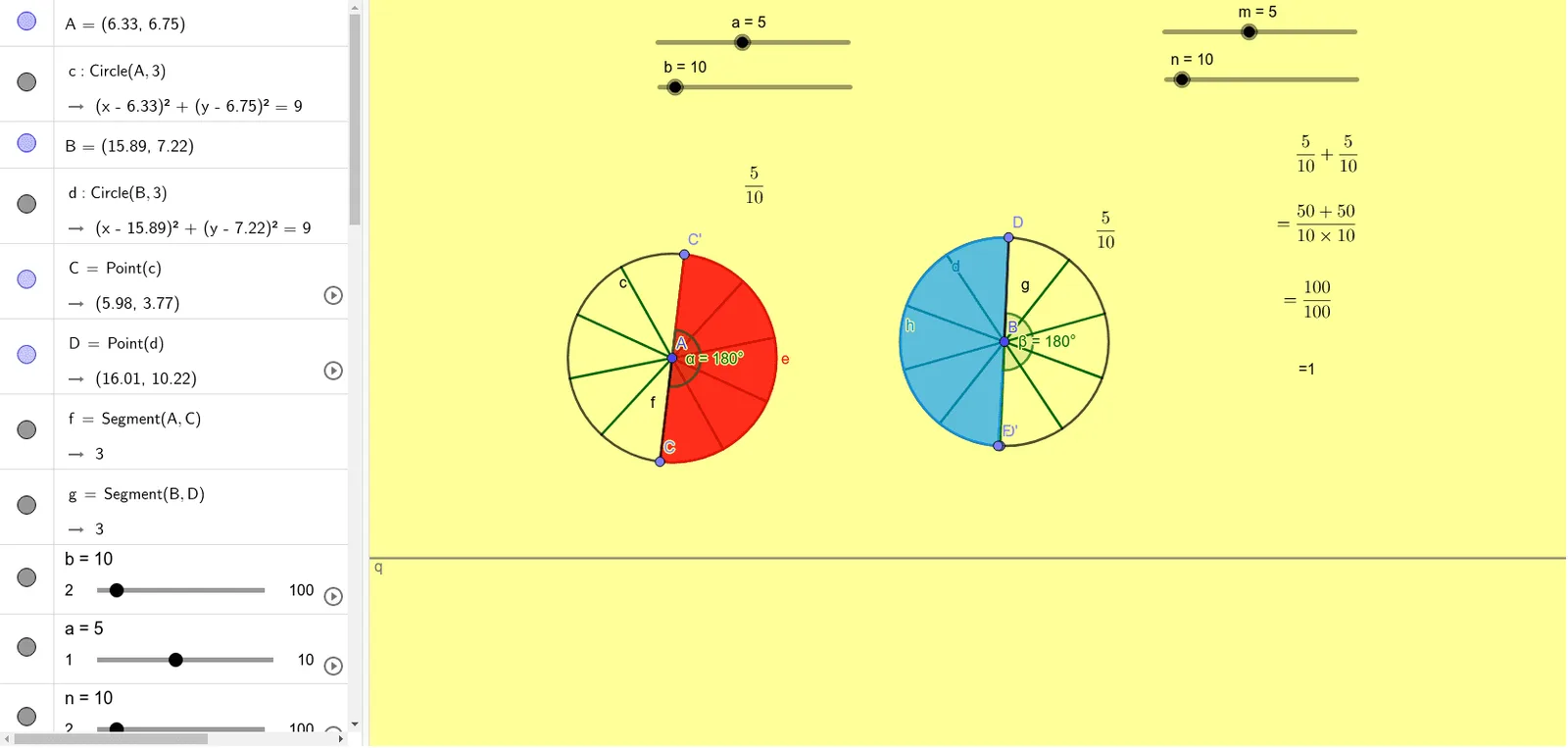
This example demonstrates the process of adding fractions. Key mathematical concepts include fraction addition and simplification. Using GeoGebra commands such as Circle, Point, Segment, Sequence, Rotate, Angle, users can visually understand the geometric meaning of fraction addition. Suitable for high-grade elementary and junior high school students.
GeoGebra Commands & Parameters
Circle(A, 3) → cCircle(B, 3) → dPoint(c) → CPoint(d) → DSegment(A, C) → fSegment(B, D) → gSequence(Segment[A, Rotate[C, f°, A]], f, 360 / b, 360, 360 / b) → l1Sequence(Segment[B, Rotate[D, g°, B]], g, 360 / n, 360, 360 / n) → l2Rotate(C, (360° * a / b), A) → C'Angle(C, A, C') → αRotate(D, (-((360° * m / n))), B) → D'Angle(D', B, D) → βPoint(d) → FCircleSector(B, D, F) → hCircleSector(A, C, C') → eLCM(b, n) → sSimplify(R / T) → q
AI Drawing Prompt Reference
Draw two large circles that are tangent to each other. Inside each large circle, draw two perpendicular diameters and connect their endpoints to form a cross. Outside the large circles, draw two smaller circles tangent to the large ones, ensuring the centers of the smaller circles are aligned with the centers of the large circles and their radii are parallel to the cross lines. Inside each smaller circle, draw a sector whose angle corresponds to the angle between the cross lines, visually representing the addition of fractions.
The prompt above was compiled from the original drawing commands and is for reference only.