
Addition and Subtraction on the Number Line: Bouncing Bunny
Loading the math board and drawing, please wait…
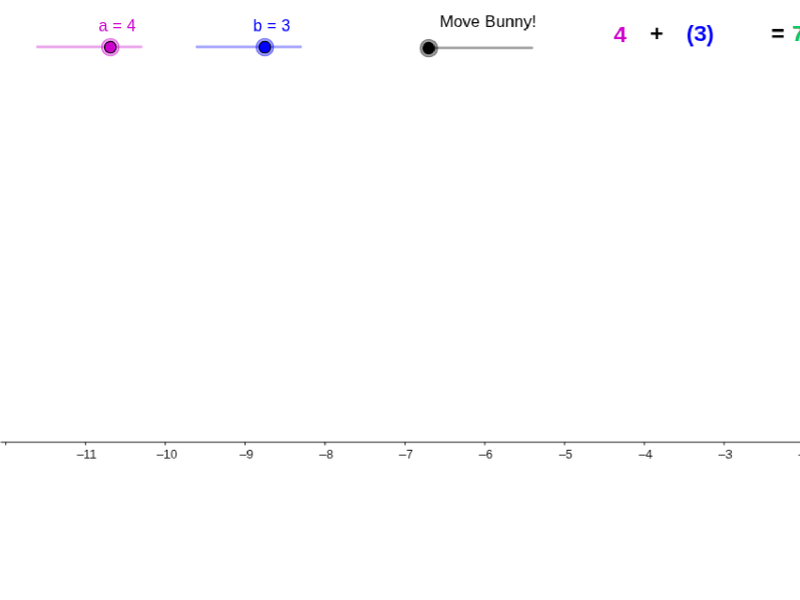
① This example demonstrates integer addition and subtraction through a bouncing bunny moving along a number line. ② The core mathematical concepts are integer operations and displacement on the number line, including positive/negative directions and left/right movements corresponding to addition/subtraction. ③ Construction highlights: using GeoGebra commands such as Max, Vector, Segment, and If, it builds multiple points (A, B, C), vectors (u, v), segments (c, d), and animated objects (hopb, hopa) with conditional logic to control the bunny's jump direction and distance, enhanced by images (pic1, pic2) for engagement. ④ Suitable for upper elementary to middle school students learning integer arithmetic, and useful for teachers in classroom demonstrations or for student self-exploration, turning abstract operations into a visual dynamic process.
GeoGebra Commands & Parameters
Max(hopb, -hopb) → hopbbMax(hopa, -hopa) → hopaaVector((0, -2), (a, -2)) → uVector((a, -4.000000000000001), (a + b, -4.000000000000001)) → vSegment(A, (a + b, -4.000000000000001)) → cSegment((a, -2), (a, -4.000000000000001)) → dIf(f < 1, (f * a, hopaa), If[f < 1.4, (a, 0), (a, hopbb) + (f - 1.4) * (b, 0)]) → DSegment((0, 0), (0, -2)) → e
AI Drawing Prompt Reference
Draw a number line with a bouncing bunny to illustrate integer addition and subtraction. Place the number line horizontally, with a short vertical segment at the origin. The bunny starts at the origin, first hops right by a distance controlled by a slider (the first addend), then hops right or left by another distance (the second addend), ending at the sum. Use arrows to show each hop's direction and length, and connect the start, intermediate, and final points with segments. The bunny's vertical position changes with its horizontal displacement, bouncing higher when the hop is larger. Include bunny images for fun, and sliders to adjust both hop distances.
The prompt above was compiled from the original drawing commands and is for reference only.