
3D Vectors by Hatchtag Resources
Loading the math board and drawing, please wait…
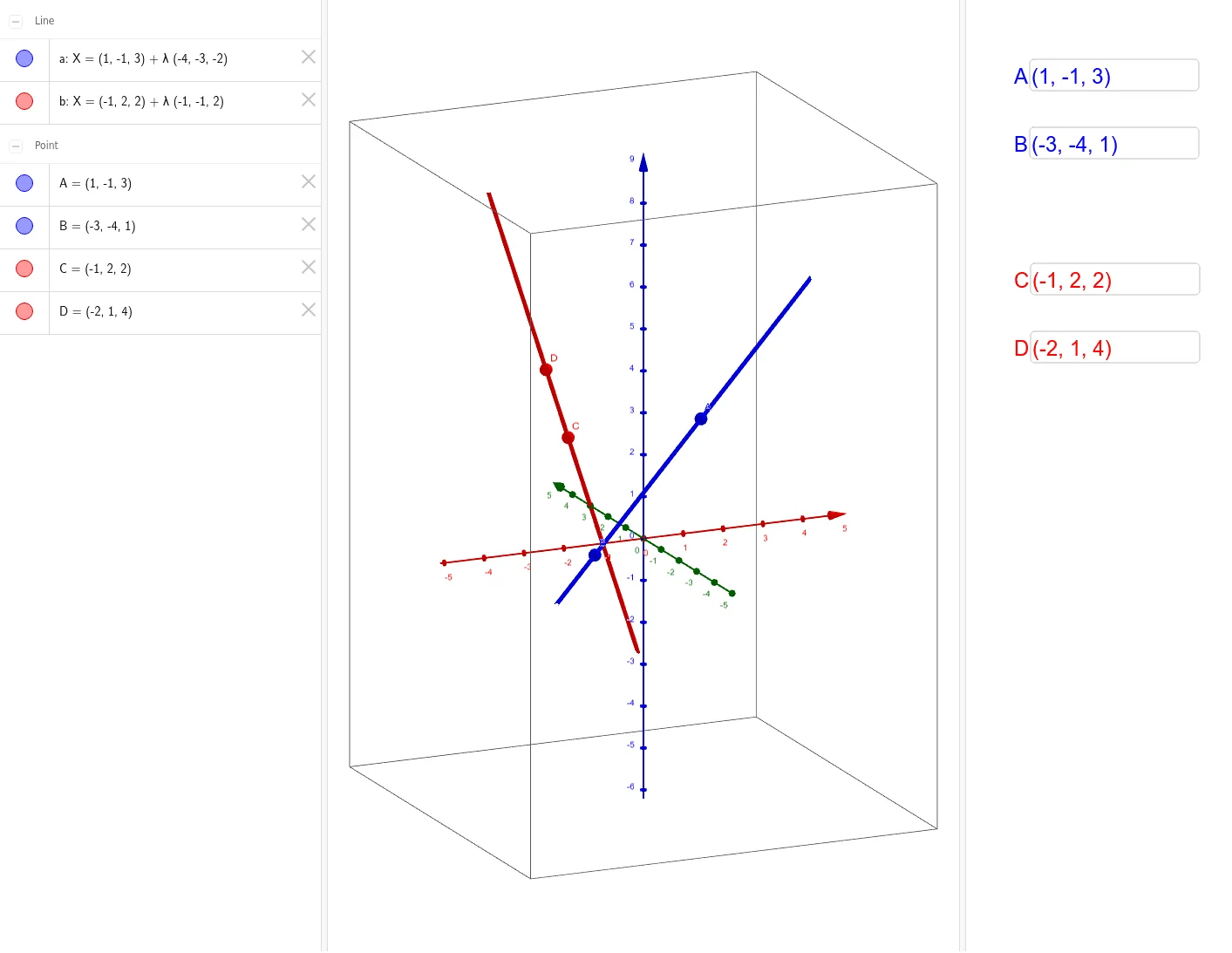
This example demonstrates 3D vectors. It involves the addition of vectors and basic concepts of 3D vectors. By inputting the coordinates of vectors, you can construct 3D space vectors and observe their addition results. The example uses GeoGebra commands such as Textfield and Line. Suitable for high school and above students to learn about 3D vectors.
GeoGebra Commands & Parameters
Textfield(A) → inputATextfield(B) → inputBTextfield(C) → inputCTextfield(D) → inputDLine(A, B) → aLine(C, D) → b
AI Drawing Prompt Reference
Draw two 3D vectors. Input the coordinates of the start and end points for vector A, then input the coordinates for vector B. Construct vector A and vector B based on the input coordinates, and observe their addition result.
The prompt above was compiled from the original drawing commands and is for reference only.