
2D Vectors and Rocket Trajectory to Mars
Loading the math board and drawing, please wait…
In collections
Projectile Projects W15
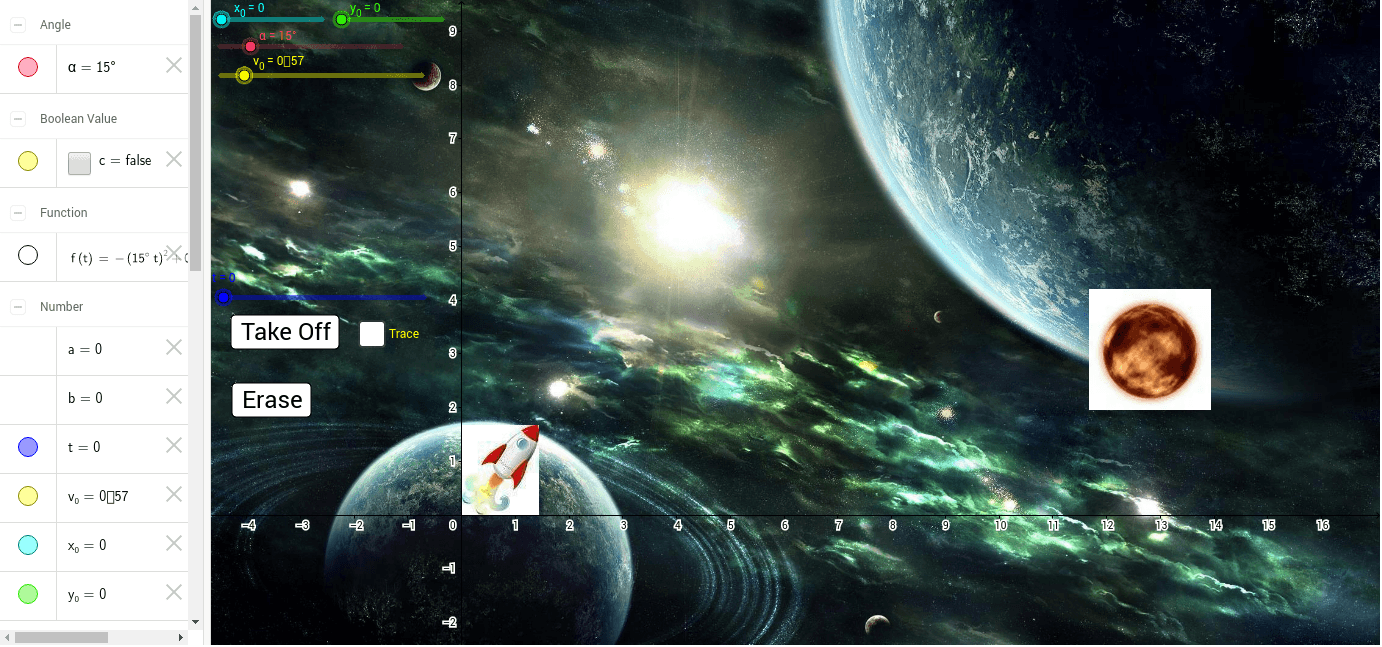
This example demonstrates the application of 2D vectors in calculating the trajectory of a rocket to Mars, visually representing the flight path and velocity changes through dynamic graphics. Core mathematical concepts include 2D vectors, cosine function, centroid or barycenter, triangles, and trapezoids. Construction highlights involve GeoGebra commands/objects like Intersect (intersection calculation), α (angle parameter), v_0 (initial velocity vector), t (time variable), y_0 (initial height), f (function graph), x_0 (initial x-coordinate), B, C, D, E, F, G, H, I, J, K (geometric points), pic1, pic2, pic3 (image objects), button1, button2 (interactive buttons), and s, c, a, b, A (geometric objects). Suitable for high school students learning vectors, trigonometric functions, and analytical geometry, this tool can be used for interdisciplinary teaching combining physics and mathematics in rocket trajectory simulation.
GeoGebra Commands & Parameters
Intersect(f, xAxis, 2) → K
AI Drawing Prompt Reference
Draw a 2D vector application example showing a rocket's trajectory to Mars, with dynamic graphics representing the flight path and velocity changes. Include core concepts like 2D vectors, cosine function, centroid, triangles, and trapezoids. First, plot the Mars orbit function, then find its intersection with the x-axis, and use vectors to represent initial velocity and height, dynamically showing the rocket's flight.
The prompt above was compiled from the original drawing commands and is for reference only.