
270 Degree Counterclockwise Rotation
Loading the math board and drawing, please wait…
In collections
Rotations
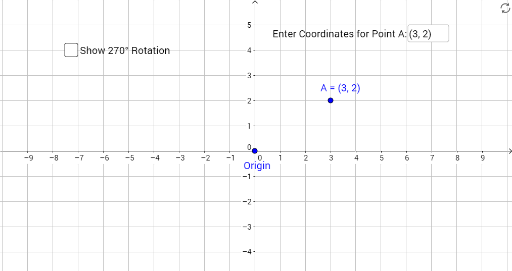
This example demonstrates the process and result of rotating a point or figure 270 degrees counterclockwise around the origin. Key math concepts include rotation, angles, coordinate transformation, and vectors. It utilizes commands and objects like Textfield, Segment, Midpoint, Rotate, CircleArc, Point, and Vector as outlined in the construction summary. Suitable for high school students learning analytical geometry and geometric transformations, or for mathematical teaching demonstrations.
GeoGebra Commands & Parameters
Textfield(A) → InputBox1Segment(O, A) → fMidpoint(f) → BRotate(A, 270°, O) → A'Segment(O, A') → gMidpoint(g) → CCircleArc(O, B, C) → cPoint(c) → DVector(D, C) → u
AI Drawing Prompt Reference
Draw a point A, then draw a segment f from the origin O to A. Find the midpoint B of segment f. Rotate point A 270 degrees counterclockwise to get A', then draw a segment g from O to A'. Find the midpoint C of segment g. Draw a circular arc c from O with B and C as endpoints. Pick a point D on arc c, then draw a vector u from D to C.
The prompt above was compiled from the original drawing commands and is for reference only.