
时空图探索工具
几何画板及绘图内容加载中,请稍等……
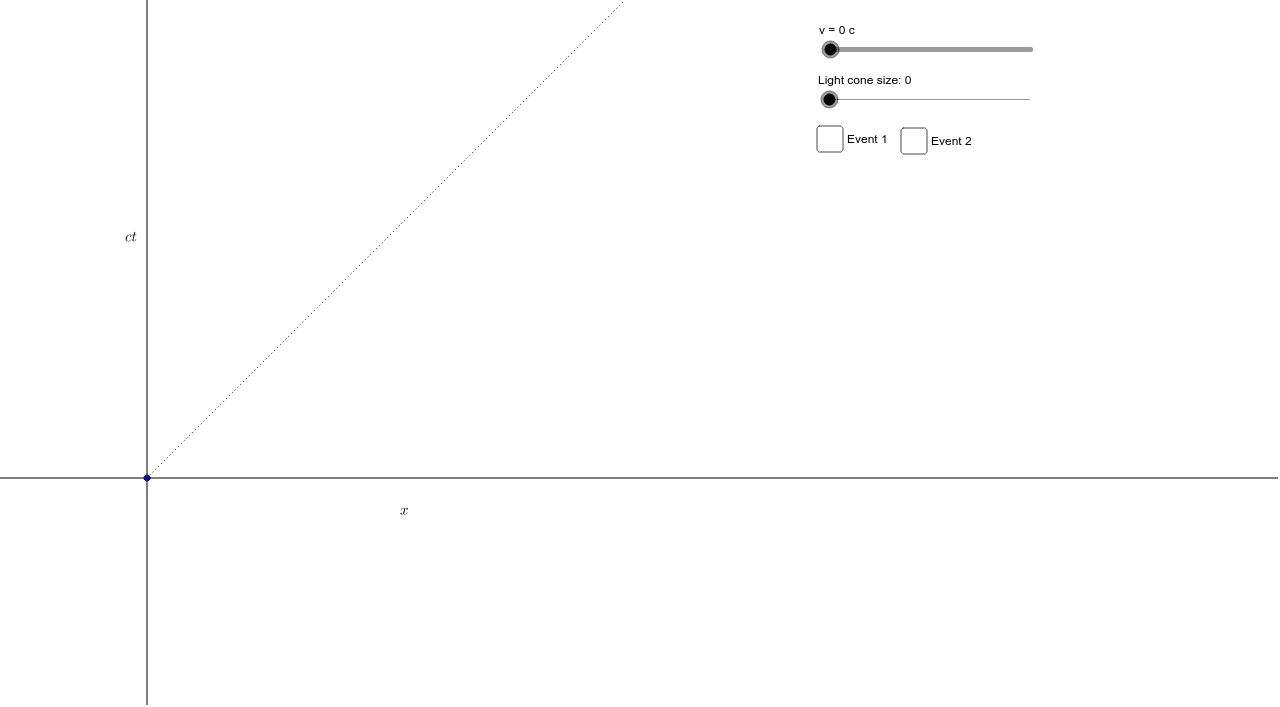
①本范例演示如何绘制时空图、光锥和因果关系;②涉及核心数学概念包括时空坐标、洛伦兹变换、光锥几何;③作图要点:使用Point, Rotate, Angle, Line, Ray, Intersect, Segment, Polygon, Mirror等GeoGebra命令和对象构建图形;④适合高中及以上学生或物理、数学爱好者用于学习和研究相对论基础。
GeoGebra 命令及参数
Point(yAxis) → APoint(xAxis) → BRotate(B, θ, O) → B'Angle(B, O, B') → αRotate(A, (-θ), O) → A'Angle(A', O, A) → γLine(O, A') → CtPrimeLine(O, B') → XPrimeRotate(B, 45*°, O) → B'_1Angle(B, O, B'_1) → δRay(O, B'_1) → FortyfiveDegreeLineLine(O, A) → CtLine(O, B) → XLine(Event1, XPrime) → E1CtPrimeProjectionIntersect(E1CtPrimeProjection, CtPrime) → CSegment(Event1, C) → bLine(Event1, CtPrime) → E1XPrimeProjectionIntersect(E1XPrimeProjection, XPrime) → DSegment(Event1, D) → cLine(Event1, X) → E1CtProjectionIntersect(E1CtProjection, Ct) → ESegment(Event1, E) → dLine(Event1, Ct) → E1XProjectionIntersect(E1XProjection, X) → FSegment(Event1, F) → fLine(Event2, XPrime) → E2CtPrimeProjectionIntersect(E2CtPrimeProjection, CtPrime) → KSegment(Event2, K) → eLine(Event2, CtPrime) → E2XPrimeProjectionIntersect(E2XPrimeProjection, XPrime) → LSegment(Event2, L) → hLine(Event2, X) → E2CtProjectionIntersect(E2CtProjection, Ct) → MSegment(Event2, M) → gLine(Event2, Ct) → E2XProjectionIntersect(E2XProjection, X) → NSegment(Event2, N) → aPolygon(Event1, P, Q) → poly1, q, event1, pMirror(Event1, E1CtProjection) → Event1'Mirror(P, E1CtProjection) → P'Mirror(Q, E1CtProjection) → Q'Polygon(Event1', P', Q') → poly1', q', event1', p'Polygon(Event2, R, S) → poly2, s, event2, rMirror(Event2, g) → Event2'Mirror(R, E2CtProjection) → R'Mirror(S, E2CtProjection) → S'Polygon(Event2', R', S') → poly2', s', event2', r'
AI 绘图提示语参考
绘制时空图,包括两个事件点Event1和Event2,以及它们在X轴、X'轴、Ct轴和Ct'轴上的投影。使用β角旋转点B和A,构造光锥和因果关系。绘制光线和射线,利用交点和镜像操作,展示事件在不同坐标系中的投影。
以上提示语为根据原始绘图命令整理而来,仅供参考。