
矩形周长与面积计算示例
几何画板及绘图内容加载中,请稍等……
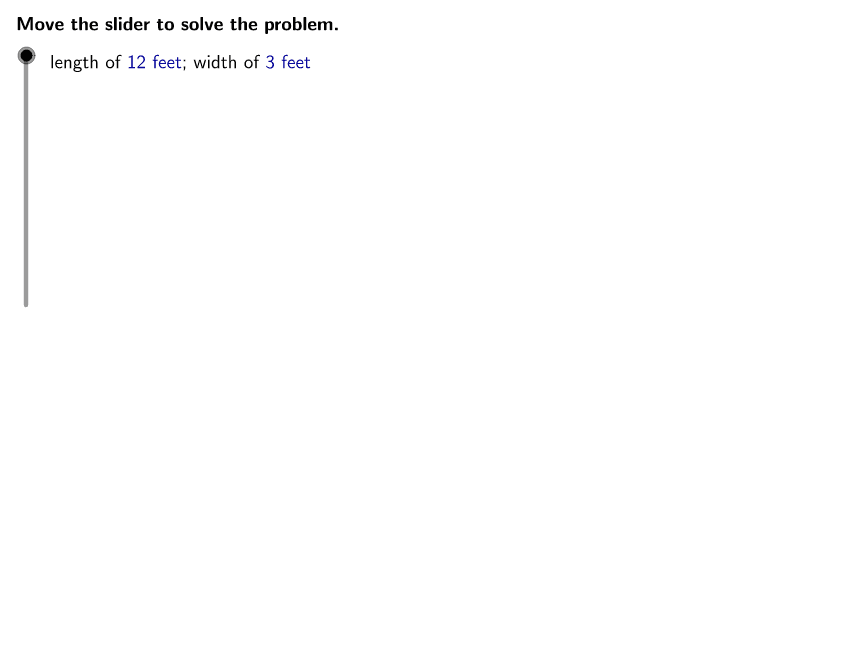
本范例演示如何计算长方形的长度和宽度对应的周长与面积。核心数学概念包括矩形面积公式(长×宽)和周长公式(2×(长+宽))。作图要点:使用GeoGebra的Corner、TableText等命令构造矩形,并通过length、width、area、perimeter等对象计算结果。适合初中数学教学或几何基础练习。
GeoGebra 命令及参数
LaTeX(steps) → counterLaTeX("\text{Use the buttons below to return to the original problem or}\cr\text{randomly generate a similar practice problem.}") → RandomizationTextCorner(1) → ACorner(3) → BLaTeX("\text{State the expressions used to find the perimeter and area of a rectangle.}") → text1LaTeX("\text{The perimeter of a rectangle is found using the expression }\textcolor{#000099}{2L + 2W}.") → text2LaTeX("\text{The area of a rectangle is found using the expression }\textcolor{#000099}{LW}.") → text3LaTeX((((("\text{Evaluate the expression for perimeter using }\textcolor{#000099}{L = " * length) * "}\text{ and }\textcolor{#000099}{W = ") * width) * "}.")) → text4LaTeX((((("\text{Evaluate the expression for area using }\textcolor{#000099}{L = " * length) * "}\text{ and }\textcolor{#000099}{W = ") * width) * "}.")) → text11LaTeX("\text{Substitute the value of each variable into the expression. }\cr\text{Then, simplify the expression using the order of operations.}") → text5TableText({{LaTeX["\textcolor{#000099}{2L + 2W}"], LaTeX["\text{Expression representing perimeter}"]}}, "l") → text6LaTeX("\text{Substitute the value of each variable into the expression. }\cr\text{Then, simplify the expression using the order of operations.}") → text12TableText({{LaTeX["\textcolor{#000099}{LW}"], LaTeX["\text{Expression representing area}"]}}, "l") → text13TableText({{LaTeX["\textcolor{#000099}{LW}"], LaTeX["\text{Expression representing area}"]}, {LaTeX[(((("\text{= }\textcolor{#000099}{(" * length) * ")(") * width) * ")}")], LaTeX[(((("\text{Substitute }\textcolor{#000099}{" * length) * "}\text{ for }\textcolor{#000099}{L}\text{ and }\textcolor{#000099}{") * width) * "}\text{ for }\textcolor{#000099}{W}.")]}}, "l") → text14TableText({{LaTeX["\textcolor{#000099}{2L + 2W}"], LaTeX["\text{Expression representing perimeter}"]}, {LaTeX[(((("\text{= }\textcolor{#000099}{2(" * length) * ") + 2(") * width) * ")}")], LaTeX[(((("\text{Substitute }\textcolor{#000099}{" * length) * "}\text{ for }\textcolor{#000099}{L}\text{ and }\textcolor{#000099}{") * width) * "}\text{ for }\textcolor{#000099}{W}.")]}}, "l") → text7TableText({{LaTeX["\textcolor{#000099}{2L + 2W}"], LaTeX["\text{Expression representing perimeter}"]}, {LaTeX[(((("\text{= }\textcolor{#000099}{2(" * length) * ") + 2(") * width) * ")}")], LaTeX[(((("\text{Substitute }\textcolor{#000099}{" * length) * "}\text{ for }\textcolor{#000099}{L}\text{ and }\textcolor{#000099}{") * width) * "}\text{ for }\textcolor{#000099}{W}.")]}, {LaTeX[(((("\text{= }\textcolor{#000099}{" * twoL) * " + ") * twoW) * "}")], LaTeX["\text{Multiply.}"]}}, "l") → text8TableText({{LaTeX["\textcolor{#000099}{2L + 2W}"], LaTeX["\text{Expression representing perimeter}"]}, {LaTeX[(((("\text{= }\textcolor{#000099}{2(" * length) * ") + 2(") * width) * ")}")], LaTeX[(((("\text{Substitute }\textcolor{#000099}{" * length) * "}\text{ for }\textcolor{#000099}{L}\text{ and }\textcolor{#000099}{") * width) * "}\text{ for }\textcolor{#000099}{W}.")]}, {LaTeX[(((("\text{= }\textcolor{#000099}{" * twoL) * " + ") * twoW) * "}")], LaTeX["\text{Multiply.}"]}, {LaTeX[(("\text{= }\textcolor{#000099}{" * perimeter) * "}")], LaTeX["\text{Add.}"]}}, "l") → text9LaTeX("\text{Move the slider to solve the problem.}") → text0TableText({{LaTeX["\textcolor{#000099}{LW}"], LaTeX["\text{Expression representing area}"]}, {LaTeX[(((("\text{= }\textcolor{#000099}{(" * length) * ")(") * width) * ")}")], LaTeX[(((("\text{Substitute }\textcolor{#000099}{" * length) * "}\text{ for }\textcolor{#000099}{L}\text{ and }\textcolor{#000099}{") * width) * "}\text{ for }\textcolor{#000099}{W}.")]}, {LaTeX[(("\text{= }\textcolor{#000099}{" * area) * "}")], LaTeX["\text{Multiply.}"]}}, "l") → text15LaTeX((((("\text{length of }\textcolor{#000099}{" * length) * "\text{ feet}}\text{; width of }\textcolor{#000099}{") * width) * "\text{ feet}}")) → ProblemLaTeX((("\text{The perimeter of the rectangle is }\textcolor{#000099}{" * perimeter) * "\text{ feet}}.")) → text10LaTeX((((("\text{The area of the rectangle is }\textcolor{#000099}{" * area) * "\text{ square feet}}\text{ or }\textcolor{#000099}{") * area) * " \text{ ft^2}}.")) → text16
AI 绘图提示语参考
请绘制一个矩形,并在其旁边添加一些文字说明。首先,画一个长方形,表示一个矩形的轮廓。然后,在矩形的上方和下方分别添加两条水平线,用于标注长度和宽度。接着,在这些线旁边添加文字说明,例如“长度为某某英尺”和“宽度为某某英尺”。最后,在矩形的右侧添加一些文字,描述矩形的周长和面积,例如“周长为某某英尺”和“面积为某某平方英尺或某某平方英尺”。确保所有文字清晰可见,并且与矩形的位置关系合理。
以上提示语为根据原始绘图命令整理而来,仅供参考。