
周长测试1:平行四边形周长与随机实验
几何画板及绘图内容加载中,请稍等……
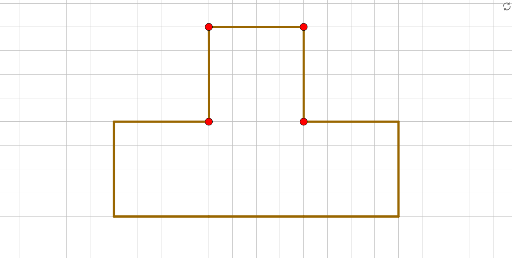
①本范例通过GeoGebra动态演示平行四边形的周长测量与随机实验,直观展示周长与边长、对角线的关系。②核心数学概念包括平行四边形的性质、周长计算、随机实验(可能涉及蒙特卡洛方法)以及不定积分(作为背景概念)。③作图要点:使用Point、Segment、Line命令创建点、线段和直线,构造了多个点(A、B、C、D等)和线段(f、g、h等),通过平行线构造平行四边形,并利用随机点进行周长测试。④适合中学几何教学,用于探索平行四边形周长与边长变化,也可用于概率统计初步实验,或作为动态几何演示的入门案例。
GeoGebra 命令及参数
Point(Circle[A, 4]) → BSegment(A, B) → fPoint(Circle[A_1, 4]) → B_1Segment(A_1, B_1) → f_1Point(Circle[A_2, 4]) → B_2Segment(A_2, B_2) → f_2Point(Circle[A_3, 4]) → B_3Segment(A_3, B_3) → f_3Point(Circle[A_5, 4]) → B_5Segment(A_5, B_5) → f_5Point(Circle[A_6, 4]) → B_6Segment(A_6, B_6) → f_6Point(Circle[A_7, 4]) → B_7Segment(A_7, B_7) → f_7Point(Circle[A_{14}, 4]) → B_{14}Segment(A_{14}, B_{14}) → f_{14}Point(Circle[A_4, 4]) → B_4Segment(A_4, B_4) → f_4Point(yAxis) → CLine(C, D) → gPoint(Circle[A_8, 4]) → B_8Segment(A_8, B_8) → f_8Line(E, F) → h