
平行向量探究
几何画板及绘图内容加载中,请稍等……
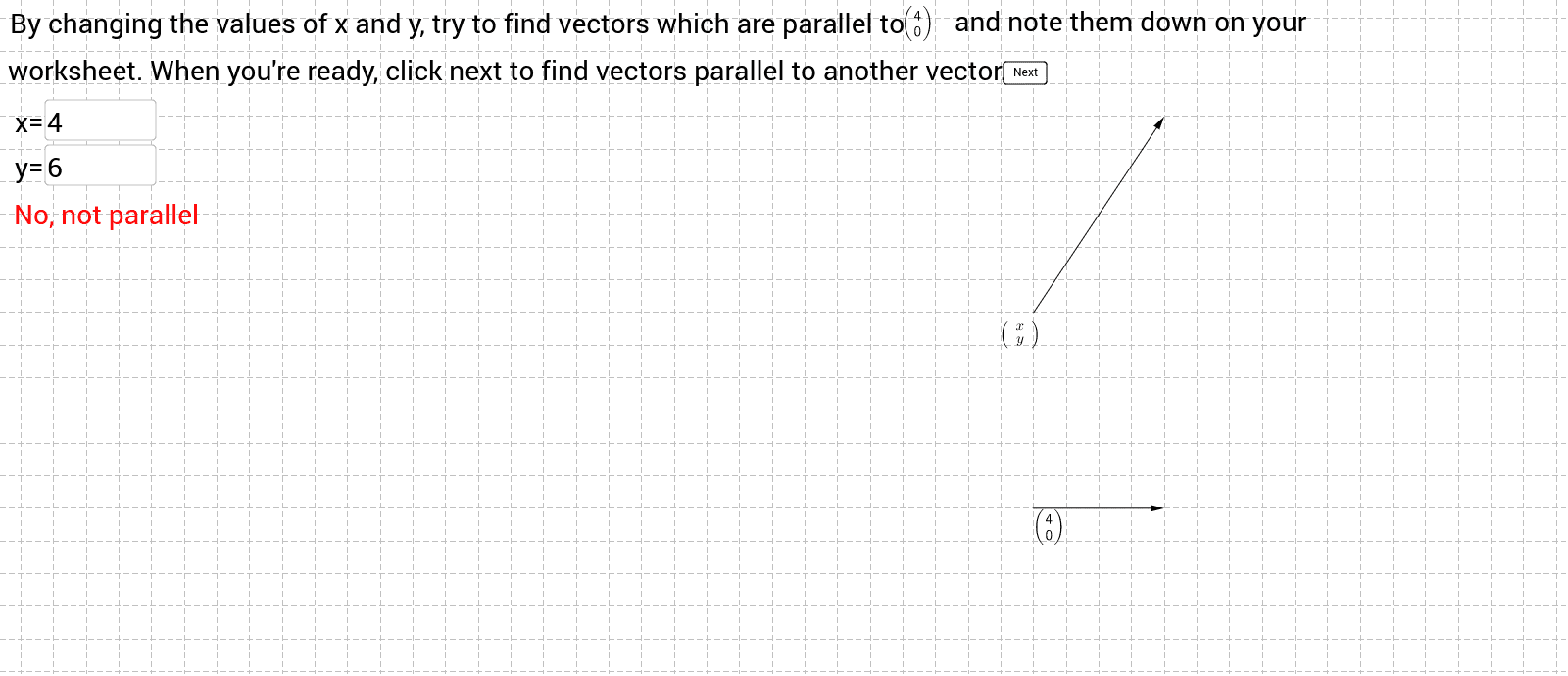
①本范例演示平行向量的性质与相互关系;②涉及核心数学概念包括向量加法、标量乘法、向量共线条件及坐标表示;③构造中运用了If、Intersect、Vector、LaTeX、Textfield等GeoGebra命令与对象,如向量t、b、a的创建与交点计算;④适合高中数学学生用于理解向量代数与几何应用。
GeoGebra 命令及参数
If(t ≟ 0, 0, If[t ≟ 1, 2, If[t ≟ 2, 1, If[t ≟ 3, 1, If[t ≟ 4, -3, Random[-5, 5]]]]]) → bIf(t ≟ 0, 4, If[t ≟ 1, 2, If[t ≟ 2, 3, If[t ≟ 3, -1, If[t ≟ 4, -2, Random[-5, 5]]]]]) → aIntersect(xAxis, yAxis) → AVector(A, E) → uLaTeX(u) → text1LaTeX(u) → text3Textfield(xx) → inputBox1Textfield(yy) → inputBox2Vector(C, D) → wIf(t ≥ 5, If[c ≟ 0, 1, 0], 0) → test1If(xx * y(u) ≠ yy * x(u), If[t ≠ 5, If[c ≟ 0, 1, 0], 0], 0) → test2If(xx * y(u) ≟ yy * x(u), If[t ≠ 5, If[c ≟ 0, 1, 0], 0], 0) → test3If(t ≠ 5, If[c ≟ 0, 1, 0], 0) → test4Textfield(yyy) → inputBox3If(s ≟ 0, If[c ≟ 1, If[m ≟ 1, If[yyy ≟ 12, 1, 0], 0], 0], 0) → Testing1If(s ≟ 0, If[c ≟ 1, If[m ≟ 1, If[yyy ≠ 12, 1, 0], 0], 0], 0) → Testing2If(s ≟ 0, If[c ≟ 1, 1, 0], 0) → Testing3If(s ≟ 1, 1, 0) → Final1Textfield(xxx) → inputBox4If(n ≟ 1, If[xxx ≠ 4, 1, 0], 0) → Final2If(n ≟ 1, If[xxx ≟ 4, 1, 0], 0) → Final3
AI 绘图提示语参考
画两条平行向量,展示它们的向量加法和标量乘法关系,标出它们的交点和坐标表示,用文本框输入参数,根据输入判断向量是否共线,并用不同颜色显示结果,最后根据额外输入判断特定条件下的状态。
以上提示语为根据原始绘图命令整理而来,仅供参考。