
Open Middle基础统计练习(2)
几何画板及绘图内容加载中,请稍等……
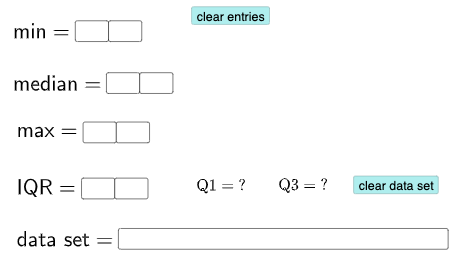
①本范例演示如何通过输入数据生成箱线图、饼图并计算均值、中位数、众数等统计量;②涉及的核心数学概念包括均值、中位数、众数、标准差、百分位数、线性回归、箱线图、饼图;③作图要点使用了Textfield, If, Q3, Q1, Mode等GeoGebra命令和对象;④适合高中阶段学习统计学和数据分析的学生使用。
GeoGebra 命令及参数
Textfield(a) → InputBox1Textfield(b) → InputBox2Textfield(c) → InputBox3Textfield(d) → InputBox4Textfield(e) → InputBox5Textfield(o) → InputBox6Textfield(p) → InputBox7Textfield(q) → InputBox8Textfield(l1) → InputBox9If((10 * a) + b ≟ Min[l1], "√", "X") → text1If(c2, "√", "X") → text2If(c3, "√", "X") → text3If(c4, "√", "X") → text4Q3(l1) → fQ1(l1) → gMode(l2) → l3If(Length[l3] ≟ 0, "No digit repeats!", "You have repeated digits.") → text5Q3(l1) → hQ1(l1) → i
AI 绘图提示语参考
绘制一个包含输入数据的箱线图和饼图。输入数据将用于计算均值、中位数、众数、标准差、百分比和线性回归。首先输入一系列数字,然后根据这些数字生成箱线图,显示四分位数Q1、Q3和中位数。接着输入一组数据点,生成饼图。最后,计算并显示数据的均值、中位数、众数、标准差和线性回归结果。
以上提示语为根据原始绘图命令整理而来,仅供参考。