
连续型随机变量边际概率计算器
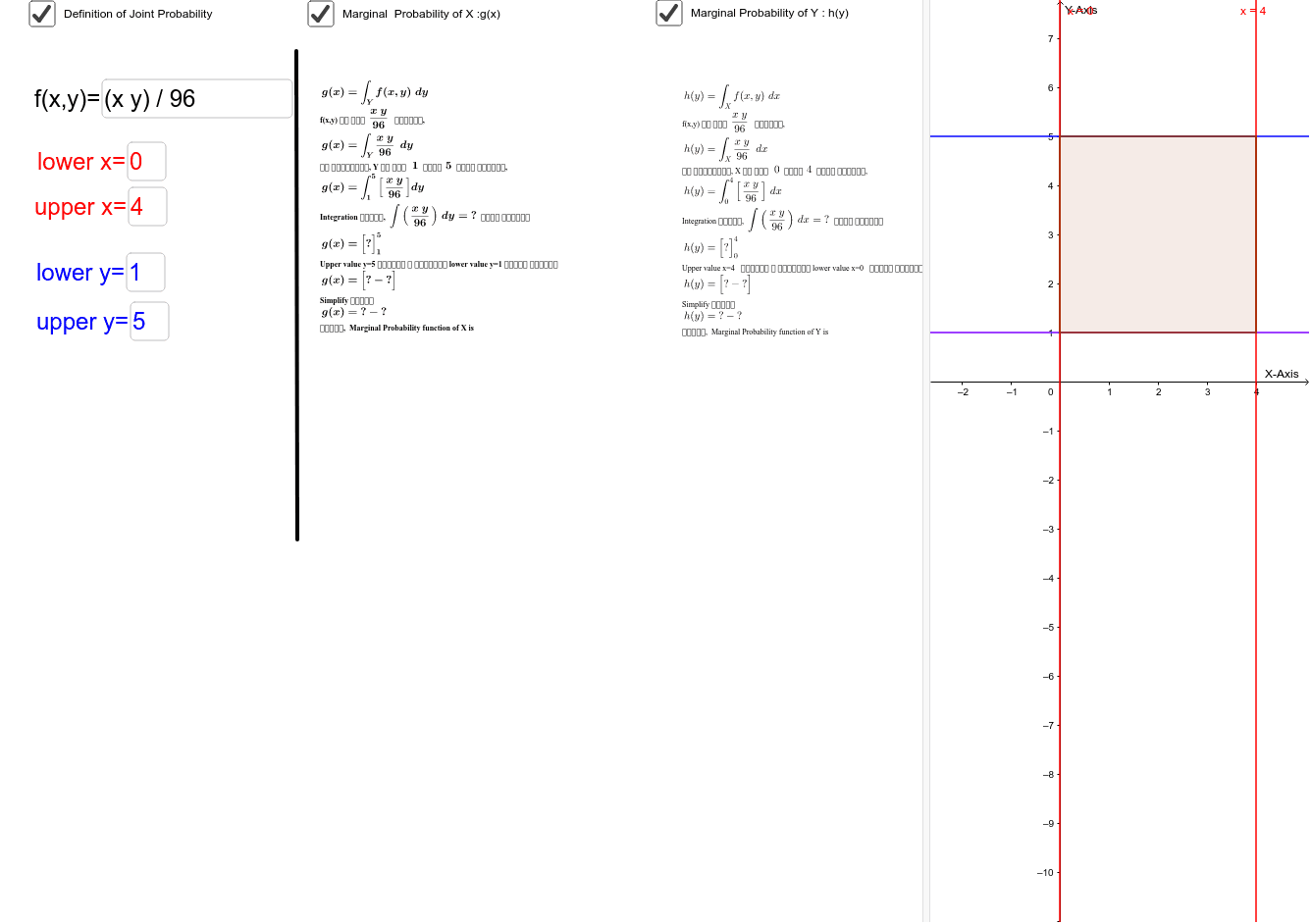
几何画板及绘图内容加载中,请稍等……
该GeoGebra范例演示了如何从两个连续随机变量X和Y的联合概率密度函数中计算边际概率函数。核心数学概念是联合分布与边际分布的关系,即对联合密度函数关于一个变量积分得到另一个变量的边际密度。作图要点包括:使用Integral命令对联合密度函数进行积分,Simplify命令化简结果,Textfield输入框用于输入函数和积分上下限,Intersect和Polygon等对象辅助可视化积分区域。该工具适合大学概率论与数理统计课程,帮助学生直观理解边际概率的计算过程,并可通过交互输入自定义函数进行探索。
GeoGebra 命令及参数
Simplify(Integral[f, y]) → fintysimplifyIntegral(f, y) → fintySimplify(gvalue) → gIntegral(g, xlower, xupper) → totalintegralyxTextfield(f) → inputBox2Textfield(upper) → inputBox3Textfield(lower) → inputBox4Textfield(xlower) → inputBox5Textfield(xupper) → inputBox6Integral(f, x) → fintxSimplify(Integral[f, x]) → fintxsimplifySimplify(f) → fsimplifySimplify(hvalue) → hIntegral(h, y) → hintySimplify(hintyvalue) → hintytotIntersect(upper, i, 1) → AIntersect(upper, j, 1) → BIntersect(lower, j, 1) → CIntersect(lower, i, 1) → DPolygon(A, D, C, B) → poly1, a_1, d, c, b_1Segment(E, F) → segmentIntegral(h, x) → hintxSimplify(Integral[g, x]) → gintxSimplify(gintxvalue) → gintxtot