
函数平移演示 by Walch Education
几何画板及绘图内容加载中,请稍等……
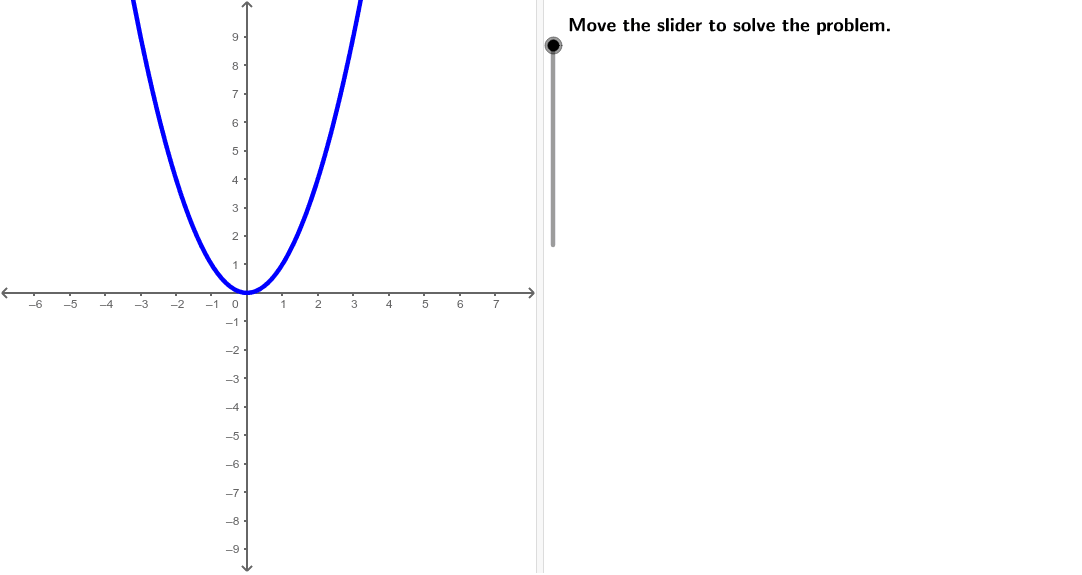
①本范例演示了函数f(x)=x²与常数k=2的和f(x)+k的图像平移现象;②涉及核心数学概念:函数图像平移、二次函数特性;③作图要点:使用Line、Point、Sequence、If、Textfield、TableText等GeoGebra命令构建函数图像、点、序列和平移效果;④适合高中数学教学,用于理解函数图像变换规律。
GeoGebra 命令及参数
Line((x(Corner[1]) + ((2 * indent) * screenwidth), 0), yAxis) → align1Line((x(Corner[1]) + ((3 * indent) * screenwidth), 0), yAxis) → align2Line((x(Corner[1]) + ((4 * indent) * screenwidth), 0), yAxis) → align3Point(xAxis) → APoint(xAxis) → BPoint(xAxis) → CPoint(xAxis) → DPoint(xAxis) → ESequence(f(Element[xValues, i]), i, 1, Length[xValues]) → fValuesSequence(f(Element[xValues, i]) + k, i, 1, Length[xValues]) → pValuesSequence((Element[xValues, i], Element[fValues, i]), i, 1, Length[xValues]) → fPointsSequence((Element[xValues, i], Element[pValues, i]), i, 1, Length[xValues]) → pPointsIf(k ≥ 0, "+", "") → showsignIf(k ≥ 0, "more", "less") → directionwordIf(k ≥ 0, "up", "down") → directionTextfield(f) → inputBox1TableText({{A1, B1, C1, D1, E1}, {A2, B2, C2, D2, E2}, {A3, B3, C3, D3, E3}}, "|_") → tabletext
AI 绘图提示语参考
画一个函数图像平移的演示图,展示函数f(x)=x²向上平移2个单位后的图像f(x)+2。图中包含x轴和y轴,以及两个函数的图像,一个原函数和一个平移后的函数。在x轴上标记五个点,并分别对应两个函数的函数值,用折线连接这些点形成函数图像。在图上标注原函数和平移后的函数名称,以及平移的方向和距离。
以上提示语为根据原始绘图命令整理而来,仅供参考。