
反比例与工作效率问题
几何画板及绘图内容加载中,请稍等……
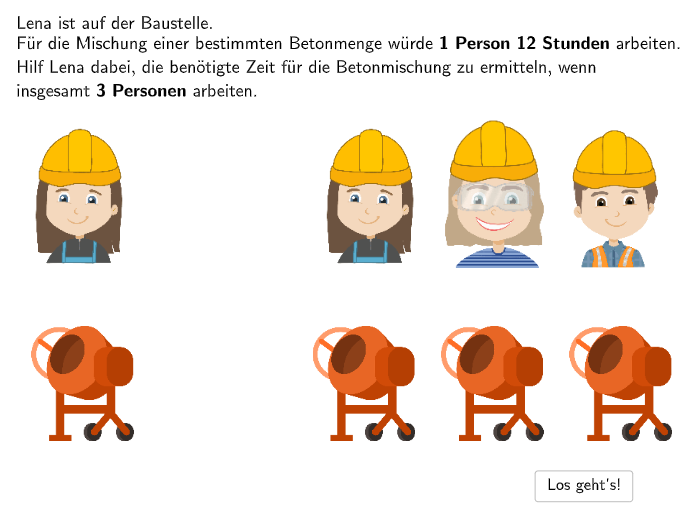
本范例通过三个生活情境演示反比例关系的数学概念:①Hannah和Alex一起刷栅栏需1.5天,单独工作需要多长时间?②双倍卡车运土需要多少时间?③6辆挖土机为何不能1小时完成1辆挖土机6小时的工作?涉及的核心数学概念是反比例(indirect proportionality)的识别与应用。作图要点:使用GeoGebra的DropDown下拉菜单选择不同情境、Textfield输入框接收学生答案、Sequence序列命令生成选项、Index索引命令处理选项序号、Button按钮控制交互流程。适合小学5-6年级学生理解比例关系,培养识别和分析反比例情境的能力。
GeoGebra 命令及参数
SelectedIndex(DropDown4) → Index4SelectedIndex(DropDown3) → Index3SelectedIndex(DropDown2) → Index2SelectedIndex(OpZeichen1) → IndexOp1SelectedIndex(OpZeichen2) → IndexOp2SelectedIndex(OpZeichen3) → IndexOp3SelectedIndex(DropDown1) → Index1Midpoint(TableE1, TableE4) → LMidpoint(TableE2, TableE3) → MSequence(TableE1 + (Vector[TableE1, TableE2] * i / 6), i, 0, 6) → TablePointsLSequence(TableE4 + (Vector[TableE1, TableE2] * i / 6), i, 0, 6) → TablePointsRTextfield(input1) → InputBox1Midpoint(TablePointsL(2), TablePointsL(3)) → TL1Midpoint(TablePointsL(3), TablePointsL(4)) → TL2Textfield(input2) → InputBox2Textfield(input3) → InputBox3Textfield(input4) → InputBox4Textfield(input5) → InputBox5Textfield(input6) → InputBox6Midpoint(TablePointsR(2), TablePointsR(3)) → TR1Midpoint(TablePointsR(3), TablePointsR(4)) → TR2Midpoint(TablePointsL(4), TablePointsL(5)) → TL3Midpoint(TablePointsR(4), TablePointsR(5)) → TR3Midpoint(TablePointsL(5), TablePointsL(6)) → TL4Midpoint(TablePointsL(6), TablePointsL(7)) → TL5Midpoint(TablePointsR(5), TablePointsR(6)) → TR4Midpoint(TablePointsR(6), TablePointsR(7)) → TR5Semicircle(TL2, TL1) → aSemicircle(TR1, TR2) → bDistance(IMG_1, IMG_2) → c
AI 绘图提示语参考
画一个展示逆比例关系的交互式图形,包含三个下拉菜单选择不同工作场景,通过文本框输入数据,用滑块控制参数。图形显示两组对称的点集,用线段连接相邻点形成折线,并在中间部分绘制半圆。点集的中点依次连接,形成两条曲线,最终用距离测量工具标示关键距离。
以上提示语为根据原始绘图命令整理而来,仅供参考。