
等分数 by James P Robinson
几何画板及绘图内容加载中,请稍等……
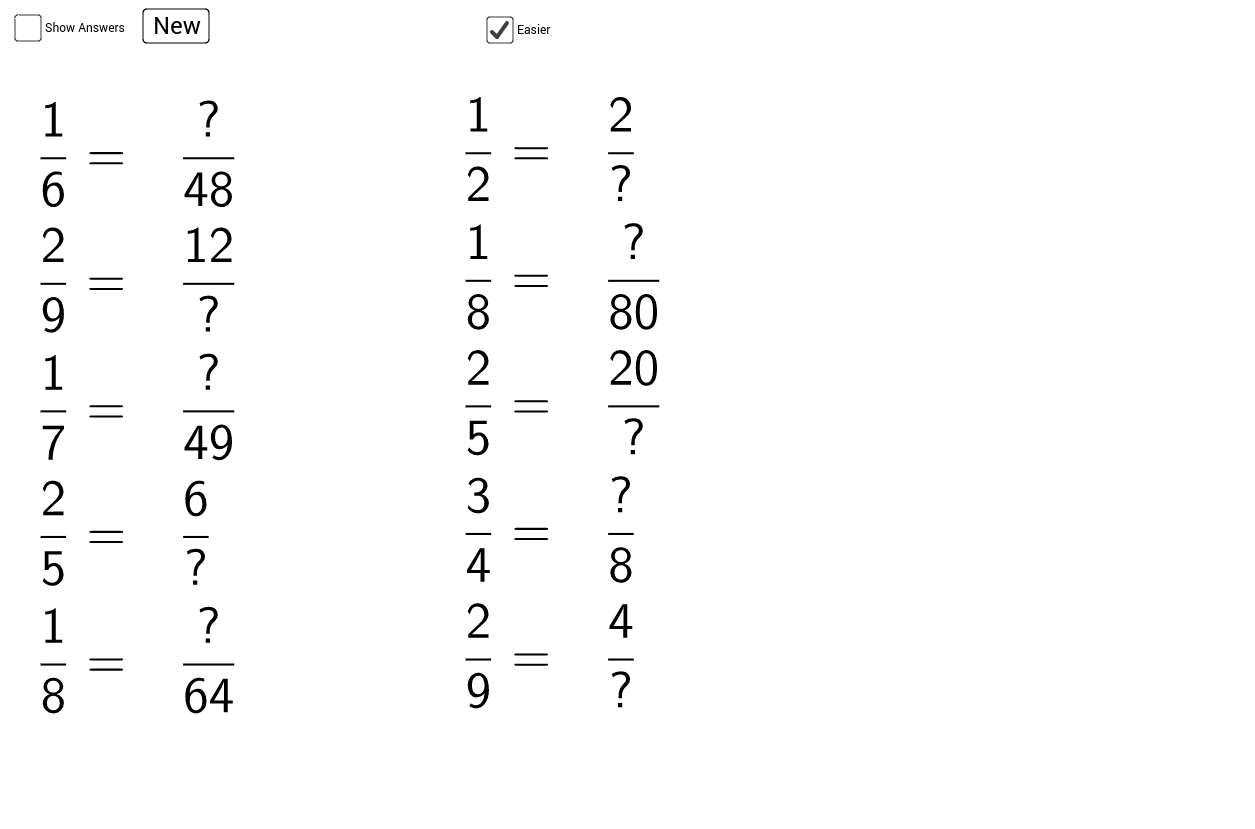
这个范例演示了等分数的概念。通过调整分子和分母,可以生成等值的分数。使用了Random, Numerator, Denominator, If, RandomElement, TableText等命令,构造了多个分数并展示了它们之间的等价关系。适合小学高年级和初中学生学习分数的基本概念。
GeoGebra 命令及参数
Random(1, 5) → A1Random(A1 + 1, If[c, 10, 20]) → B1Numerator(C1) → D1Denominator(C1) → E1If(c, {2, 3, 4, 5, 6, 7, 8, 9, 10}, {2, 3, 4, 5, 6, 7, 8, 9, 10, 12, 20, 24, 50, 100}) → RRandomElement(R) → aRandomElement(R) → F1Random(1, 5) → A2Random(A2 + 1, If[c, 10, 20]) → B2Numerator(C2) → D2Denominator(C2) → E2RandomElement(R) → F2Random(1, 5) → A3Random(A3 + 1, If[c, 10, 20]) → B3Numerator(C3) → D3Denominator(C3) → E3RandomElement(R) → F3Random(1, 5) → A4Random(A4 + 1, If[c, 10, 20]) → B4Numerator(C4) → D4Denominator(C4) → E4RandomElement(R) → F4Random(1, 5) → A5Random(A5 + 1, If[c, 10, 20]) → B5Numerator(C5) → D5Denominator(C5) → E5RandomElement(R) → F5Random(1, 5) → A6Random(A6 + 1, If[c, 10, 20]) → B6Numerator(C6) → D6Denominator(C6) → E6RandomElement(R) → F6Random(1, 5) → A7Random(A7 + 1, If[c, 10, 20]) → B7Numerator(C7) → D7Denominator(C7) → E7RandomElement(R) → F7Random(1, 5) → A8Random(A8 + 1, If[c, 10, 20]) → B8Numerator(C8) → D8Denominator(C8) → E8RandomElement(R) → F8Random(1, 5) → A9Random(A9 + 1, If[c, 10, 20]) → B9Numerator(C9) → D9Denominator(C9) → E9RandomElement(R) → F9Random(1, 5) → A10Random(A10 + 1, If[c, 10, 20]) → B10Numerator(C10) → D10Denominator(C10) → E10RandomElement(R) → F10TableText({First[list2, 5], If[b, First[list1, 5], First[list3, 5]]}, "v") → text1TableText({Last[list2, 5], If[b, Last[list1, 5], Last[list3, 5]]}, "v") → text2