
函数除法与渐近线
几何画板及绘图内容加载中,请稍等……
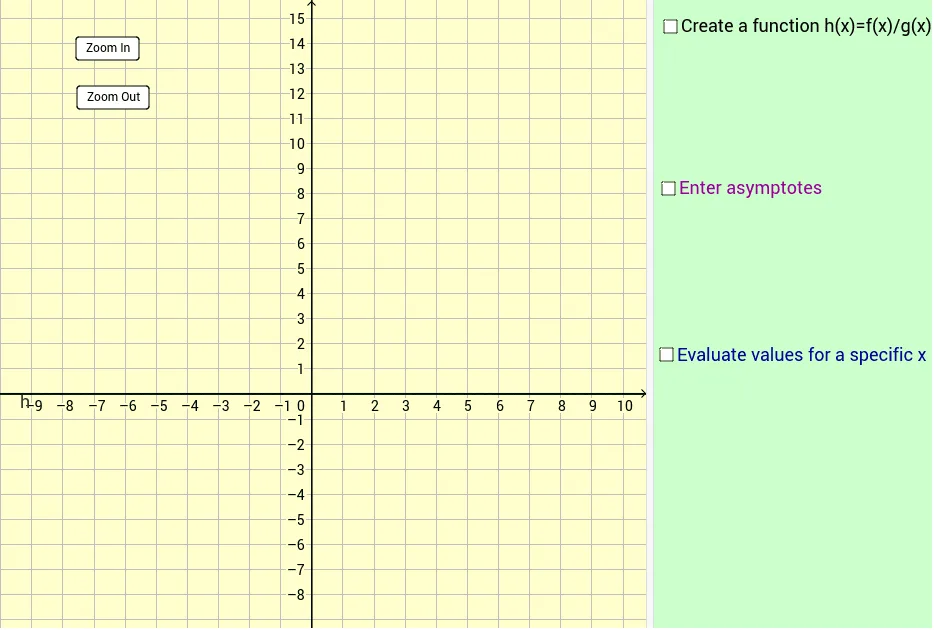
①本范例演示了两个函数相除后的图像及其渐近线;②涉及的核心数学概念包括函数除法、渐近线、解析几何;③作图要点使用了Textfield, TableText命令,以及 deltaX, a, g, f, h, asymptote_1, A15, B15, A14, C14, inputBox1, asymptote_2, b, c, inputBox2, inputBox3, inputBox4, inputBox5, inputBox6, inputBox7, e, text2, B14, C15, D14, D15, j, k, d, scale, button1, button2, A16, A17, A18, A19, B16, B17, B18, B19等对象;④适合高中及以上学段学习微积分和函数图像分析。
GeoGebra 命令及参数
Textfield(a) → inputBox1Textfield(b) → inputBox2Textfield(c) → inputBox3Textfield(asymptote_1) → inputBox4Textfield(asymptote_2) → inputBox5Textfield(f) → inputBox6Textfield(g) → inputBox7TableText({{A14, B14, C14, D14}, {A15, B15, C15, D15}, {A16, B16, C16, D16}, {A17, B17, C17, D17}, {A18, B18, C18, D18}, {A19, B19, C19, D19}}, "|_") → text3Textfield(deltaX) → inputBox8
AI 绘图提示语参考
绘制两个函数的除法图形,并标示其渐近线,展示函数除法、渐近线和解析几何的关键概念。图形包含输入框用于设置函数参数和渐近线位置,以及表格展示函数值。先画出函数图形和渐近线,再通过输入框调整参数,最后用表格展示函数在不同点的值。
以上提示语为根据原始绘图命令整理而来,仅供参考。