
小数点转换练习
几何画板及绘图内容加载中,请稍等……
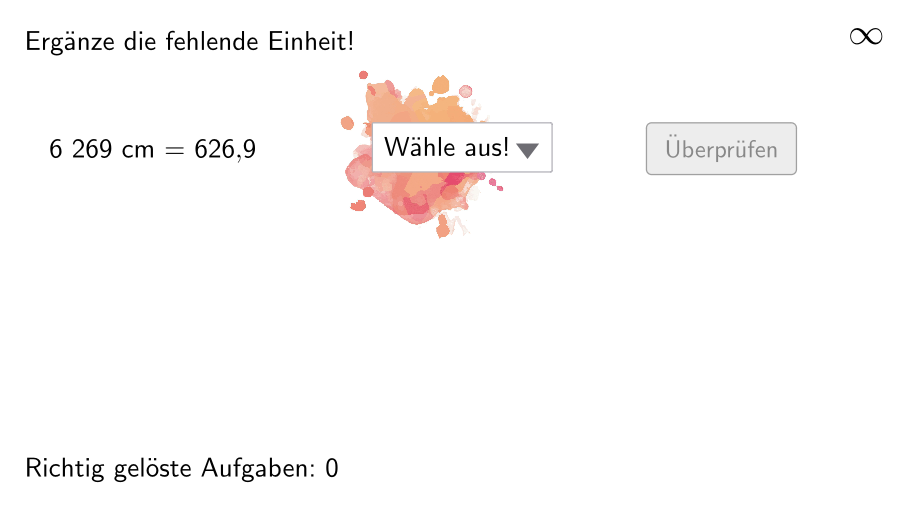
该范例演示了小数点转换的概念,涉及的核心数学概念包括长度单位的换算。通过使用GeoGebra命令如Join、Element、If等,学生可以进行小数点转换的练习。适合小学5-6年级学生使用。
GeoGebra 命令及参数
Join(Sequence[Shuffle[{1, 2, 3, 4, 5, 6}], i, 1, 20]) → ListeBeispielCountElement(ListeBeispielCount, Mod[questionCount, 100]) → BeispielCountJoin(Sequence[Shuffle[{true, false}], i, 1, 50]) → ListeWWGroßAufKleinElement(ListeWWGroßAufKlein, Mod[questionCount, 100]) → großAufKleinIf(allowDecimalNumbers, Element[If[großAufKlein, ListeKommaGroßAufKlein, ListeKommaKleinAufGroß], BeispielCount], Element[If[großAufKlein, ListeGroßAufKlein, ListeKleinAufGroß], BeispielCount]) → BeispielElement(Beispiel, 2) → einheit2Join({{"$\textsf{Wähle aus!\vphantom{Öj}}$"}, {"$\textsf{mm\vphantom{Öj}}$", "$\textsf{\vphantom{Öj}cm}$", "$\textsf{dm\vphantom{Öj}}$", "$\textsf{m\vphantom{Öj}}$", "$\textsf{km\vphantom{Öj}}$"}}) → LLIndexOf(SelectedElement[LL], LL) → EinheitGewähltShuffle(Sequence[Random[111, 9999], i, 1, 100]) → randomNosForX, {5535, 6269, 4225, 4890, 9850, 6149, 9292, 8294, 5775, 2141, 7340, 5388, 2872, 9308, 6572, 5058, 3427, 3941, 1214, 3620, 1706, 3885, 1049, 6495, 6493, 6799, 4885, 6211, 8074, 121, 6455, 7618, 1421, 6311, 5187, 5556, 5788, 2005, 5322, 7445, 981, 647, 5513, 5268, 5595, 3521, 5703, 697, 1725, 6856, 3064, 2899, 5658, 4718, 6713, 4794, 7304, 2364, 2117, 8093, 4698, 2766, 9256, 9157, 5609, 3694, 824, 1995, 2006, 8287, 2926, 2861, 4785, 9625, 8117, 7187, 1493, 9522, 9370, 8521, 8917, 435, 8207, 9970, 3528, 2061, 5082, 3332, 2737, 9034, 8187, 9626, 7030, 7580, 5708, 1386, 2543, 3295, 7643, 3028}Append(true, Sequence[If[randomNosForX(i) ≟ randomNosForX(i - 1), false, true], i, 2, 100]) → stayXRemove(Sequence[If[stayX(i), randomNosForX(i), 0], i, 1, 100], Sequence[0, i, 1, 100]) → randomNosForXwithoutRepeatElement(randomNosForXwithoutRepeat, Mod[questionCount, Length[randomNosForXwithoutRepeat]] + 1) → numXwithoutRepeatElement(Beispiel, 1) → einheit1If(großAufKlein, Element[Beispiel, 4], 1 / Element[Beispiel, 4]) → faktorCorrectShuffle(Sequence[Random[1, 3], i, 1, 100]) → ListeFaktoren, {1, 2, 3, 3, 3, 2, 3, 1, 2, 3, 2, 1, 2, 1, 2, 1, 3, 2, 3, 1, 3, 2, 2, 3, 3, 3, 1, 1, 1, 2, 2, 1, 1, 1, 2, 1, 1, 1, 1, 1, 2, 3, 2, 1, 2, 3, 3, 3, 1, 1, 1, 1, 1, 2, 3, 2, 2, 2, 1, 1, 2, 2, 3, 3, 2, 2, 3, 2, 1, 1, 3, 3, 1, 1, 3, 3, 3, 1, 1, 1, 1, 2, 2, 3, 2, 3, 2, 2, 2, 3, 3, 2, 1, 1, 3, 1, 3, 1, 3, 2}Element(ListeFaktoren, Mod[questionCount, 100]) → positionFaktor0Element(Element[Beispiel, 3], positionFaktor0) → faktor0NumberSeperation(num) → NumSeperatedNumberSeperation(numCorrect) → TextNumCorrectTextfield(aInput) → InputBox1Textfield(bInput) → InputBox2Polygon(PtopLeftCornerFeedback, PtopRightCornerFeedback, PbottomRightCornerFeedback, PbottomLeftCornerFeedback) → rectangleCorrect, ptopleftcornerfeedback, ptoprightcornerfeedback, pbottomrightcornerfeedback, pbottomleftcornerfeedbackElement(randomNosForX, Mod[questionCount, 100] + 1) → numX
AI 绘图提示语参考
创建一个用于长度单位换算练习的矩形区域,并在矩形外观上标注“选择来自下列单位:mm、cm、dm、m、km”。同时准备两条输入框,分别用于输入长度的数值;再给出一个单位选择显示项(可用“Wähle aus!”作为提示文本)。在矩形四个角处放置角点,并按顺序连接四个角点形成矩形。
以上提示语为根据原始绘图命令整理而来,仅供参考。