
立方体的截面 by Aedamar Frawley
几何画板及绘图内容加载中,请稍等……
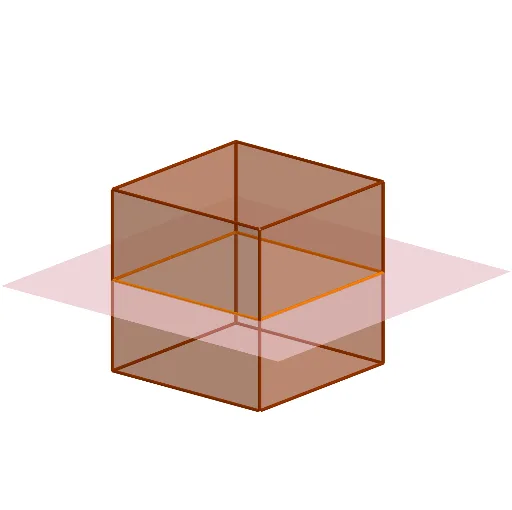
这个范例演示了立方体的截面。核心数学概念包括立体几何和几何作图。通过使用Rotate, Point, Cube, IntersectPath等命令,可以构造立方体及其不同截面。适合初中及以上学生或教师使用。
GeoGebra 命令及参数
Rotate(Translate[Rotate[Plane[(0, 0, 0), (0, 1, 0), (1, 0, 0)], b, xAxis], Vector[(0, 0, d)]], c, zAxis) → ePoint(Circle[(1, -1, -1), Distance[(-1, -1, -1), (1, -1, -1)], Segment[(-1, -1, -1), (1, -1, -1)]]) → ACube((-1, -1, -1), (1, -1, -1), A) → g, B, faceABFE, faceCDEF, edge2, edge1, edge4, edgeAB, edge3, edgeBF, edgeCF, edgeCD, C, edge5, edgeDE, edgeAE, edgeEF, D, E, F, face1, face3, face2, face4IntersectPath(e, g) → poly1, G, H, I, J, f, h, i, j