
Construct a line segment and copy it
几何画板及绘图内容加载中,请稍等……
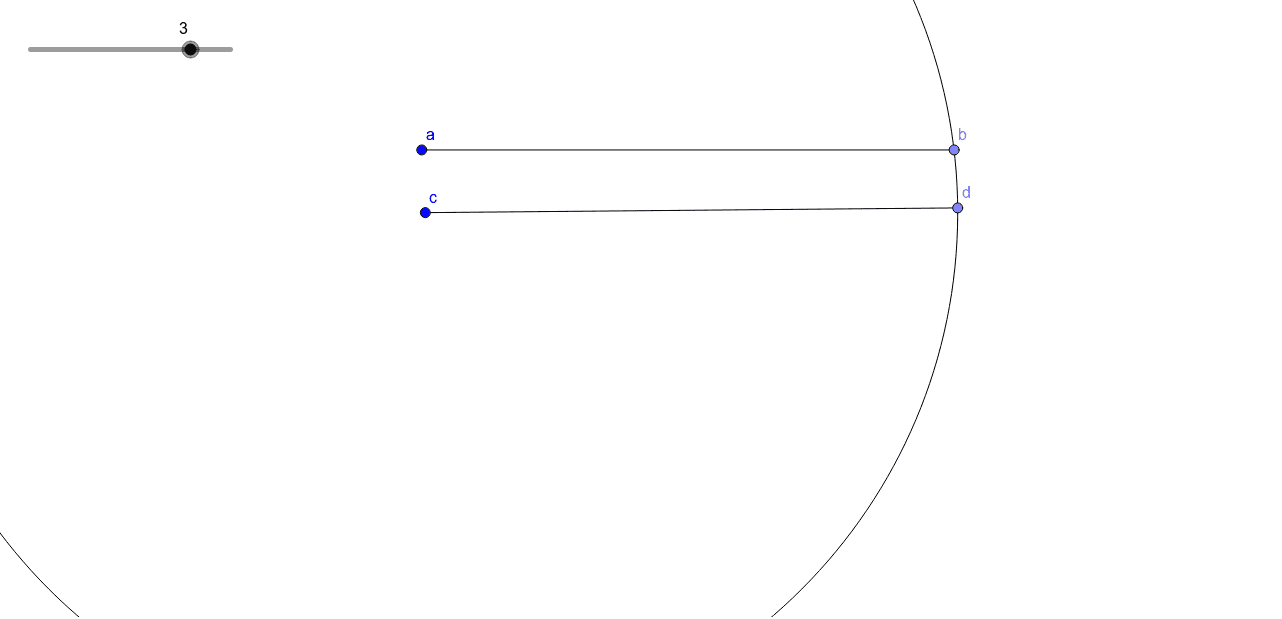
① This example demonstrates how to construct a line segment in GeoGebra and then copy it to another location with exactly the same length, using a circle to transfer the distance. ② The core mathematical concept is the preservation of segment length through compass-and-straightedge construction, involving the definition of a circle (center at a point, radius equal to the given segment) and basic objects like points, segments, and circles. ③ Construction details: from the summary, the commands Point, Segment, and Circle are used, creating objects such as a, b, f, c, d_1, d, and g; the circle serves to mark off the equal length, enabling the copy. ④ This is suitable for middle school geometry lessons or introductory practice with geometric construction tools, helping students understand the logic of classical construction and basic GeoGebra operations.
GeoGebra 命令及参数
Point(Circle[a, (3 * inches)]) → bSegment(a, b) → fCircle(c, Segment[a, b]) → d_1Point(d_1) → dSegment(c, d) → g