
筝形的面积 by James Pearce
几何画板及绘图内容加载中,请稍等……
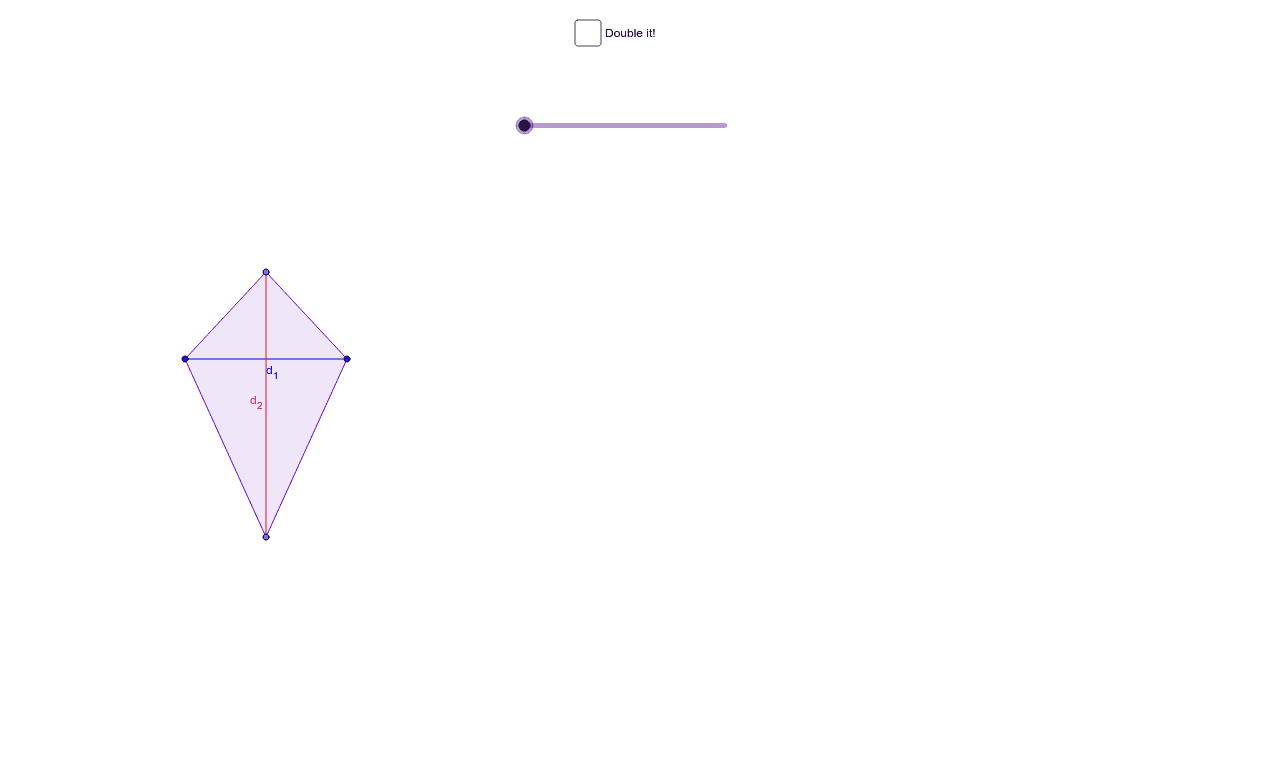
本示例通过动画展示了筝形的面积计算方法。涉及的核心数学概念包括筝形的性质和面积公式。通过使用GeoGebra命令如Point, Polygon, Translate, Rotate等,可以动态地展示筝形的构造过程。适合初中及以上学生学习几何作图和面积计算。
GeoGebra 命令及参数
Point(a) → APoint(a) → BMirror(C, a) → DPolygon(D, A, C, B) → poly1, d, a_1, c, bIntersect(xAxis, yAxis) → EPoint(xAxis) → FVector(E, F) → uTranslate(D, u) → D'Translate(A, u) → A'Translate(C, u) → C'Translate(B, u) → B'Polygon(D', A', C', B') → poly1', d', a', c', b'Segment(B', A') → eSegment(C', D') → fIntersect(e, f) → GMidpoint(C, B') → HMidpoint(D', B) → IMidpoint(A', C) → JMidpoint(A, D') → KPolygon(B', G, D') → poly2, d'_1, b'_1, g_1Rotate(B', g°, I) → B''Rotate(G, g°, I) → G'Rotate(D', g°, I) → D''Polygon(B'', G', D'') → poly2', d'', b'', g'Polygon(B', C', G) → poly3, g_2, b'_2, c'_1Rotate(B', g°, H) → B''_1Rotate(C', g°, H) → C''Rotate(G, g°, H) → G'_1Polygon(B''_1, C'', G'_1) → poly3', g'_1, b''_1, c''Polygon(C', G, A') → poly4, a'_1, c'_2, g_3Polygon(A', D', G) → poly5, g_4, a'_2, d'_2Rotate(C', (-(g°)), J) → C''_1Rotate(G, (-(g°)), J) → G'_2Rotate(A', (-(g°)), J) → A''Polygon(C''_1, G'_2, A'') → poly4', a'', c''_1, g'_2Rotate(A', (-(g°)), K) → A''_1Rotate(D', (-(g°)), K) → D''_1Rotate(G, (-(g°)), K) → G'_3Polygon(A''_1, D''_1, G'_3) → poly5', g'_3, a''_1, d''_1Segment(C, D) → d_1Segment(B, A) → d_2
AI 绘图提示语参考
画一个风筝,通过动态演示其面积计算。首先绘制风筝的基本形状,然后围绕中心点旋转形状,展示对称性。接着,绘制对角线并找到交点,再绘制以交点为中心的小三角形。最后,通过旋转这些小三角形,动态展示风筝的面积公式。
以上提示语为根据原始绘图命令整理而来,仅供参考。