
Volume and Surface Area of Prisms
Loading the math board and drawing, please wait…
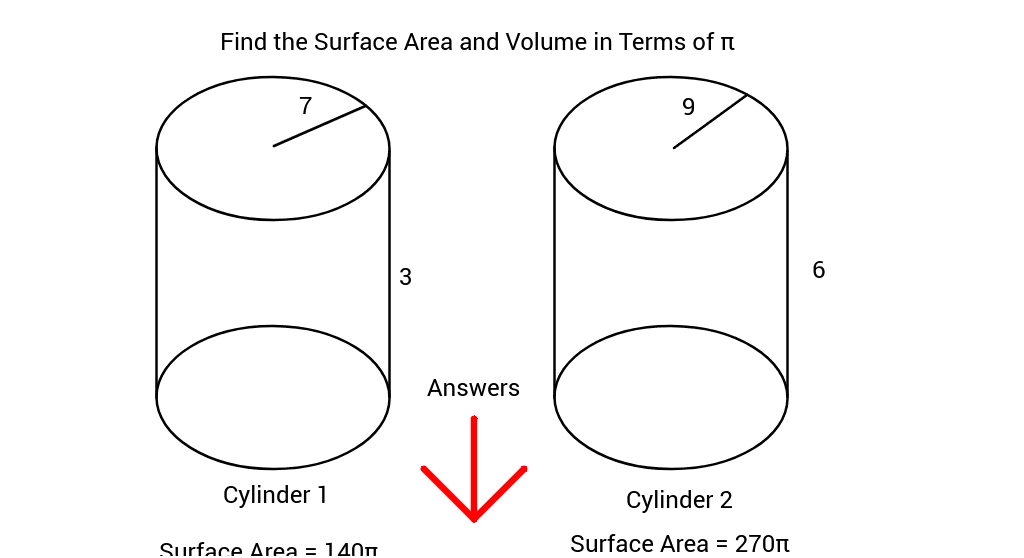
This example demonstrates how to calculate the volume and surface area of prisms using geometric construction. Key mathematical concepts include the formulas for the volume and surface area of prisms. Using GeoGebra commands such as Ellipse, Point, Segment, Random, etc., the dimensions of the prism can be dynamically changed to observe the changes in volume and surface area. Suitable for students at the junior high school level and above to learn about geometry and solid geometry.
GeoGebra Commands & Parameters
Ellipse(A, B, C) → cEllipse(A_1, B_1, C_1) → c_1Point(c) → DPoint(c_1) → ESegment(D, E) → aPoint(c) → FPoint(c_1) → GSegment(F, G) → bEllipse(A_3, B_3, C_3) → c_2Ellipse(A_2, B_2, C_2) → c_3Point(c_2) → D_1Point(c_3) → E_1Segment(D_1, E_1) → a_1Point(c_2) → F_1Point(c_3) → G_1Segment(F_1, G_1) → b_1Point(c) → ISegment(H, I) → dPoint(c_2) → KSegment(J, K) → eRandom(1, 10) → A1Random(1, 10) → A2Random(1, 10) → A3Random(1, 10) → A4Circle(L, M) → fCircle(L_1, M_1) → f_1Segment(M, M_1) → gSegment(M, N) → hSegment(M_1, O) → iSegment(N, O) → jRandom(1, 10) → A1_1Circle(L_2, M_2) → f_2Circle(L_3, M_3) → f_3Point(f_2) → PPoint(f_3) → QSegment(P, Q) → kSegment(P, R) → lSegment(Q, S) → mSegment(R, S) → nSegment(T, U) → pSegment(T, V) → qSegment(T, W) → r
AI Drawing Prompt Reference
Draw a right prism with two parallel rectangular bases and side faces. First, draw two rectangular bases, then connect the corresponding vertices to form the side faces. Use a random number generator to set the side lengths of the bases, ensuring that the two bases are parallel and equal. Finally, connect the corresponding vertices of the two bases to form the side faces of the right prism.
The prompt above was compiled from the original drawing commands and is for reference only.