
Visual Construction of Twelve Days of Triangular Numbers
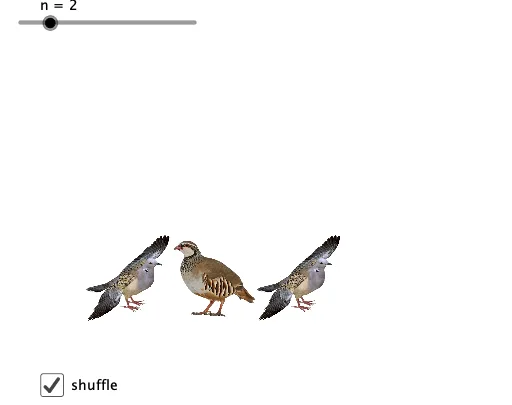
Loading the math board and drawing, please wait…
This example uses a “twelve days” step-by-step (Christmas-themed) visualization to show how triangular numbers grow and how their counting structure can be built up visually through staged grouping and arrangement. It highlights key ideas such as triangular-number representation, sequence generation and indexing, conditional construction (If), and list processing to organize geometric elements. Construction in GeoGebra relies on If and Sequence to create day-dependent indices and object sets, Flatten to turn nested element collections into drawable lists, and Shuffle to reorder or randomize grouping for a clearer staged display; it also manages multiple geometric objects (points/lines and day-specific items like pic1–pic12, together with auxiliary labels such as A, B and segment/line objects) and view settings (aspect) to render the evolving figure. Suitable for secondary and early tertiary students, and for lessons or workshops on sequences, geometric counting, and programmatic dynamic geometry with GeoGebra.
GeoGebra Commands & Parameters
If(Mod[n, 2] ≟ 0, n / 2, (n + 1) / 2) → mFlatten(Sequence[Sequence[(i, j), i, 0, k - 1], j, 0, m - 1]) → l1Flatten(Sequence[Sequence[j, i, 1, j], j, 1, n]) → l2Shuffle(l1) → l5If(a, l5, l1) → l6Sequence(Translate[Element[l3, Element[l2, i]], Element[l6, i] - A], i, 1, Length[l1]) → l4
AI Drawing Prompt Reference
Create a step-by-step visual construction of the “Twelve Days of Triangular Numbers.” Show how triangular-number counting grows by organizing geometric elements into day-by-day stages. Generate nested collections from index pairs, then expand them into drawable lists, and reorder a subset to make the staged layout clearer. Use a parity-based rule to choose the indexing and element counts for each day, so odd and even steps follow different mappings. Finally, place each day’s geometric pieces relative to a fixed reference point A using a translation relationship, including points and connecting segments/lines, with small auxiliary labels to reflect the structured arrangement.
The prompt above was compiled from the original drawing commands and is for reference only.