
Visual check of non-equivalent equations via function graphs
Loading the math board and drawing, please wait…
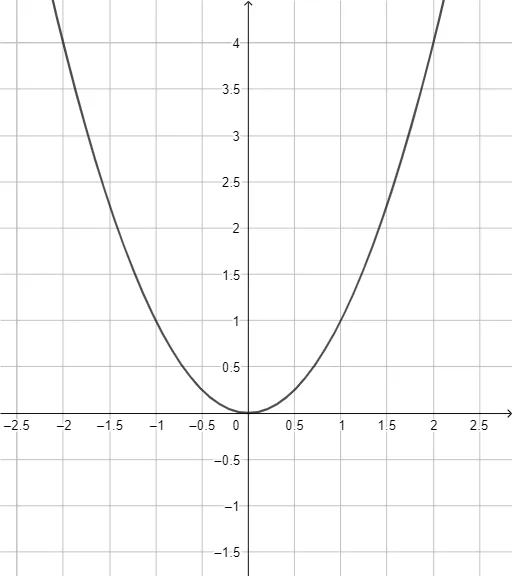
This GeoGebra practice demonstrates how two equations that appear equivalent after algebraic transformations can actually have different solution sets. By comparing graphical intersections, learners can see when a transformation introduces extraneous roots or removes valid ones. The key math ideas are equivalence vs. non-equivalence of equations, solution sets, and interpreting solutions as x-values where function expressions become equal (e.g., rewriting an equation into a form like f(x)=0 or f(x)=g(x)). From the construction summary (object: f), the example is built around a function f whose graph is plotted and then contrasted with the corresponding reference condition such as a zero line or a line encoding the transformed equation. Suitable for middle/high school students and for teaching purposes that link algebraic manipulation with function graph reasoning, especially in topics involving linear functions and graphing.
GeoGebra Commands & Parameters
y = x^(2)
AI Drawing Prompt Reference
Draw the graph of a function that is the square of x.
The prompt above was compiled from the original drawing commands and is for reference only.