
Vector Basics Introduction
Loading the math board and drawing, please wait…
In collections
Complex Numbers as Vectors
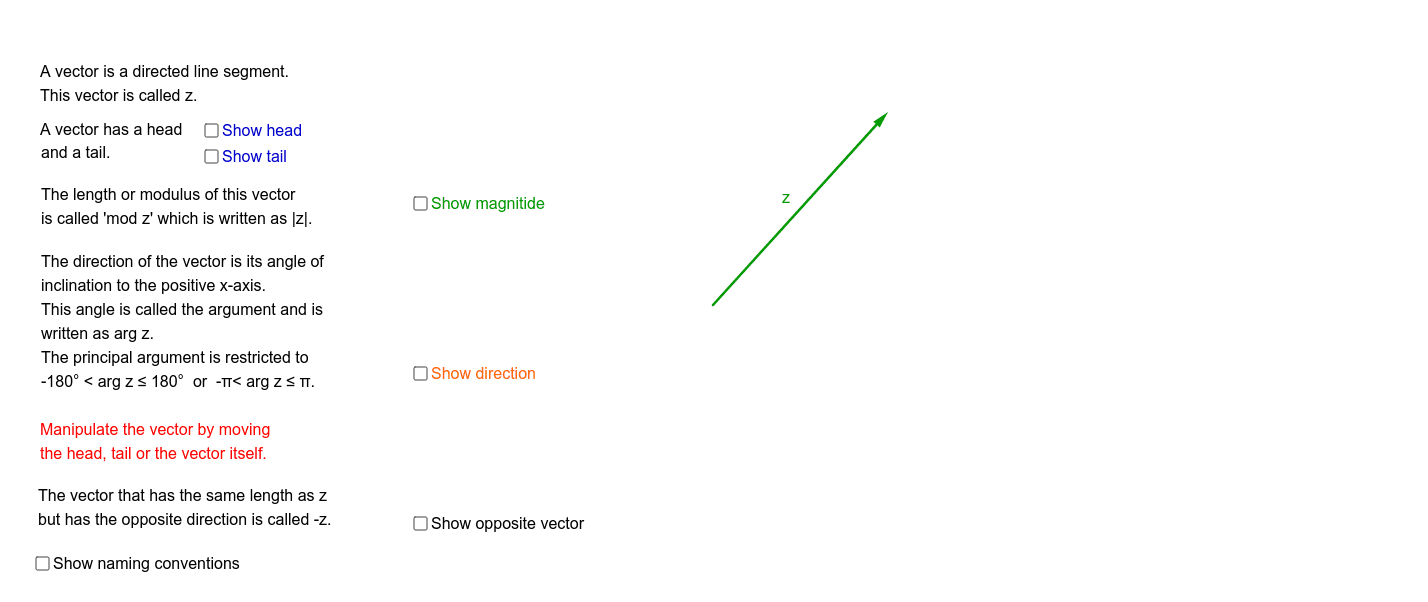
This example demonstrates fundamental vector concepts and terminology, helping students visualize vector representation, operations, and properties. Key math concepts include vectors, direction, magnitude, vector addition, translation, and rotation. It is constructed using GeoGebra commands like Vector, Line, Translate, Ray, Angle, Midpoint, Distance, and Rotate. Suitable for high school and university students learning vector basics or as a teaching aid in foundational mathematics.
GeoGebra Commands & Parameters
Vector(Tail, Head) → zLine(Tail, xAxis) → bVector(A, P) → uTranslate(Tail, u) → Tail'Ray(Tail, Tail') → cAngle(Tail', Tail, Head) → αAngle(Head, Tail, Tail') → βMidpoint(Tail, Head) → BDistance(Tail, Head) → distanceTailHeadRotate(Head, 180*°, Tail) → Head'Vector(Tail, Head') → vMidpoint(Tail, Head') → CAngle(Head, Tail, Head') → γ
AI Drawing Prompt Reference
Draw a vector with a tail and head, and draw a line from the tail parallel to the x-axis. From the tail, draw a vector to the head, then translate this vector so the tail moves to a new position, and draw a ray from the new tail to the new head. Label the positions of the tail, head, new tail, and new head, and calculate the distance between the tail and head. Rotate the head around the tail by 180 degrees to get a new head, and draw a vector from the tail to the new head. Label the positions of the new tail and new head, and calculate the distance between the tail and the new head.
The prompt above was compiled from the original drawing commands and is for reference only.