
Unit Circle with Trigonometric Lines
Loading the math board and drawing, please wait…
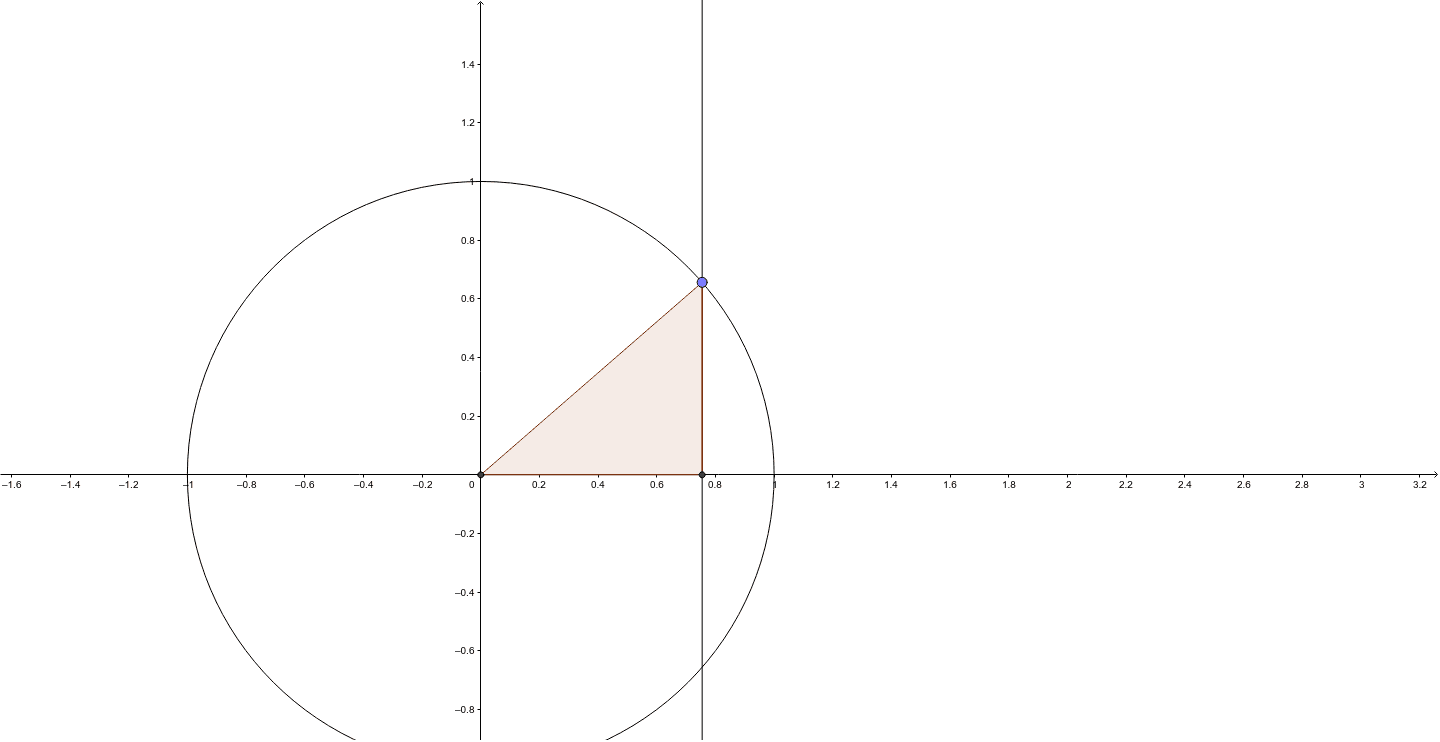
① This GeoGebra example dynamically illustrates the unit circle and how the sine, cosine, and other trigonometric values correspond to geometric segments as a point moves around the circle. ② Core mathematical concepts include the unit circle definition, trigonometric lines (sine and cosine segments), angle-radian conversion, and connections to slope, logarithmic functions, and stochastic processes. ③ Construction details: uses Intersect to find circle-line intersections, Circle to define the unit circle, Point for the moving point, Line for auxiliary lines, and Polygon to form a triangle; objects include center A, circle c, moving point B, function f, intersection C, polygon poly1, auxiliary circle c_1, and segments a and b. ④ Suitable for high school and early college students learning trigonometric periodicity, unit circle identities, and dynamic angle-function relationships; also useful for teachers demonstrating interactive geometry.
GeoGebra Commands & Parameters
Intersect(xAxis, yAxis) → ACircle(A, 1) → cPoint(c) → BLine(B, yAxis) → fIntersect(f, xAxis) → CPolygon(A, B, C) → poly1, c_1, a, b
AI Drawing Prompt Reference
Draw a unit circle centered at the origin with radius 1. Place a movable point on the circle. From this point, drop a perpendicular to the x-axis, marking the foot on the x-axis. Connect the center, the moving point, and the foot to form a right triangle. Also draw a horizontal line from the moving point to the y-axis. Clearly show the unit circle, the right triangle, and the segments representing sine and cosine. Include a slider to adjust the point's position and observe how the trigonometric values change.
The prompt above was compiled from the original drawing commands and is for reference only.