
Unit Circle Exploration Tool
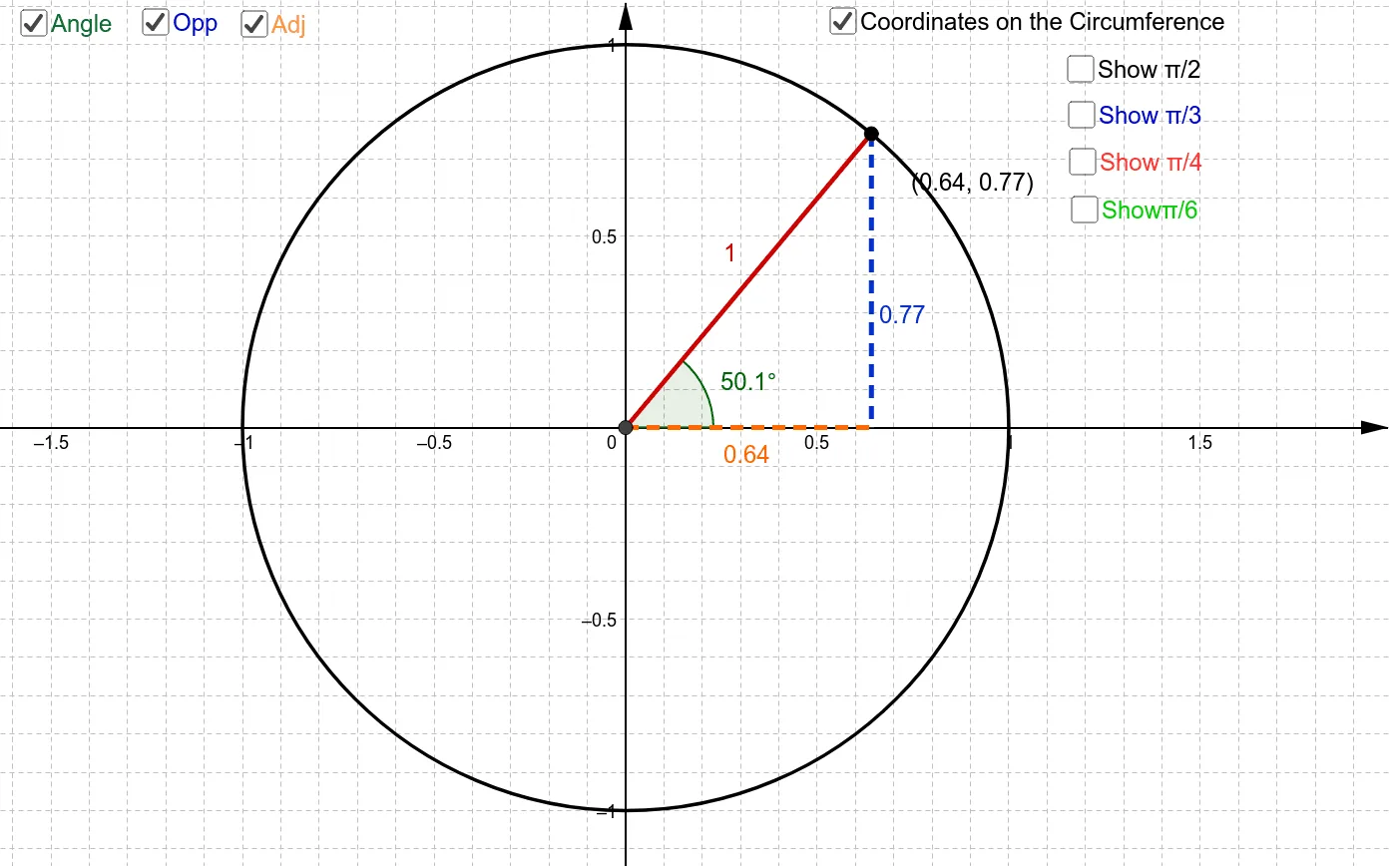
Loading the math board and drawing, please wait…
This example demonstrates the relationship between angles and coordinates on the unit circle, helping to understand the patterns of trigonometric functions. Using GeoGebra commands such as Intersect, Mirror, Point, Segment, Angle, and OrthogonalLine, dynamic exploration of points and lines on the unit circle is possible. Suitable for high school mathematics education and learning, particularly in trigonometry and coordinate geometry.
GeoGebra Commands & Parameters
Intersect(xAxis, yAxis) → ACircle(A, 1) → cMirror(B, yAxis) → B'Mirror(B, xAxis) → B'_1Mirror(B', xAxis) → B''Mirror(C, yAxis) → C'Mirror(C', xAxis) → C''Mirror(C'', yAxis) → C'''Mirror(D, yAxis) → D'Mirror(D', xAxis) → D''Mirror(D'', yAxis) → D'''Point(c) → ISegment(I, A) → gAngle(E, A, I) → αOrthogonalLine(I, xAxis) → hIntersect(h, xAxis) → QLine(A, Q) → iSegment(I, Q) → jSegment(A, Q) → k