
Unit Circle (Easier)
Loading the math board and drawing, please wait…
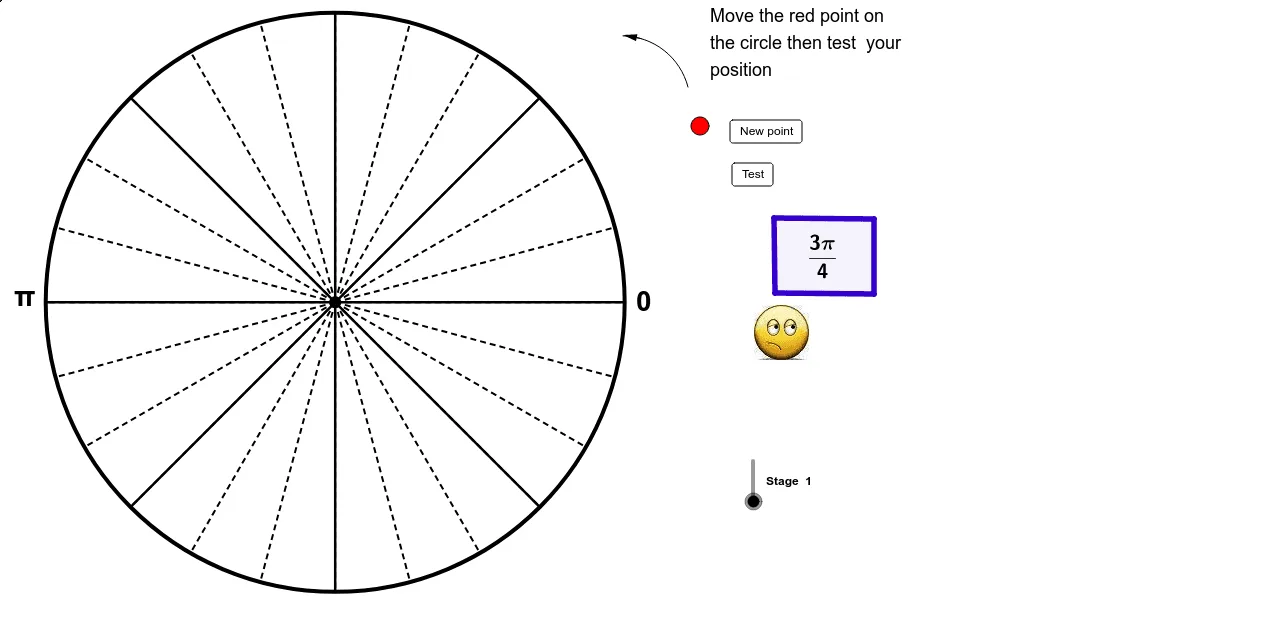
This example demonstrates the construction of a unit circle and its relationship with trigonometric functions. Core math concepts include circle, trigonometry, and coordinate geometry. GeoGebra commands like Random, Circle, Intersect, Point, and Vector are used in the construction. Suitable for high school mathematics teaching and beginners understanding the connection between trigonometric functions and the unit circle.
GeoGebra Commands & Parameters
Random(1, voirindexMax) → choixRandom(1, IndexMax) → choixindexCorner(4) → C4Element(Denominateur, choix) → ChoixDenElement(Numerateur, choix) → NumIf(Num ≟ 0, "0", If[Num ≟ 1, "\pi", If[Num ≟ -1, "-\pi", Num + "\pi"]]) → TextnumIf(ChoixDen ≟ 1, Textnum, "\frac{" + Textnum + "}{" + ChoixDen + " }") → AnglepiElement(Rayon, choixindex) → rCircle((0, 0), 5) → cIntersect(c, xAxis) → A, BSequence(Rotate[B, d°, (0, 0)], d, 15, 360, 15) → liste1Sequence(Segment[(0, 0), Element[liste1, i]], i, 0, Length[liste1]) → liste2Sequence(Rotate[B, d°, (0, 0)], d, 45, 360, 45) → liste3Sequence(Segment[(0, 0), Element[liste3, i]], i, 0, Length[liste3]) → liste4CircleArc(C, D, E) → dPoint(d) → FVector(F, E) → uPolygon(H, I, J, K) → poly1, h, i, j, k
AI Drawing Prompt Reference
Draw a unit circle and illustrate its relationship with trigonometric functions. Start by drawing a circle with a radius of 5 and find its intersections with the x-axis. Then, draw rays starting from these points at intervals of 15 and 45 degrees until the entire circle is covered. Finally, draw an arc on the circle and connect its endpoints to the center to form a polygon, showing the connection between trigonometric functions and the unit circle.
The prompt above was compiled from the original drawing commands and is for reference only.