
Types of a Triangle: Equilateral, Isosceles, Right, and Scalene
Loading the math board and drawing, please wait…
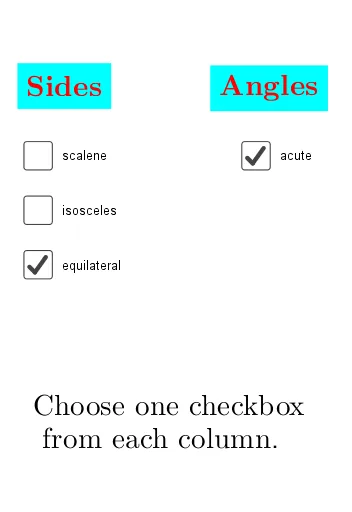
① This interactive GeoGebra example demonstrates the classification of triangles by allowing users to drag vertices and observe how the triangle changes among equilateral, isosceles, right, and scalene types. ② Core mathematical concepts include triangle side-angle relationships, equilateral, isosceles, right, and scalene triangles, as well as the circumcircle, arithmetic mean, and frequency distribution, blending geometry with basic statistics. ③ Construction details: The triangle is built using the Polygon command, angles are measured with the Angle command, and sides are drawn with Segment; key objects include vertices A, B, C, side lengths a, b, c, circumcircle o, and text objects text1, text2 for classification feedback, plus a button (button1) to trigger updates. ④ Suitable for middle school to high school students learning triangle properties and classification, and useful for dynamic geometry demonstrations and inquiry-based activities in the classroom.
GeoGebra Commands & Parameters
Polygon(A, B, C) → triangle, c, a_1, bAngle(A, C, B) → αSegment(A, B) → s1bSegment(A, B) → s2bSegment(A, C) → s2lSegment(A, C) → s3lSegment(B, C) → s2rAngle(B, A, C) → βAngle(C, B, A) → γPolygon(Corner[1], Corner[2], Corner[3], Corner[4]) → poly1, d, e, f, g
AI Drawing Prompt Reference
Draw a triangle with draggable vertices to show how it changes into equilateral, isosceles, right, and scalene types. Include three vertices, three sides, and three angles, and draw its circumcircle. Add text labels for triangle classification and a button to update the figure.
The prompt above was compiled from the original drawing commands and is for reference only.