
Turtle Graphics: Button & Slider Control
Loading the math board and drawing, please wait…
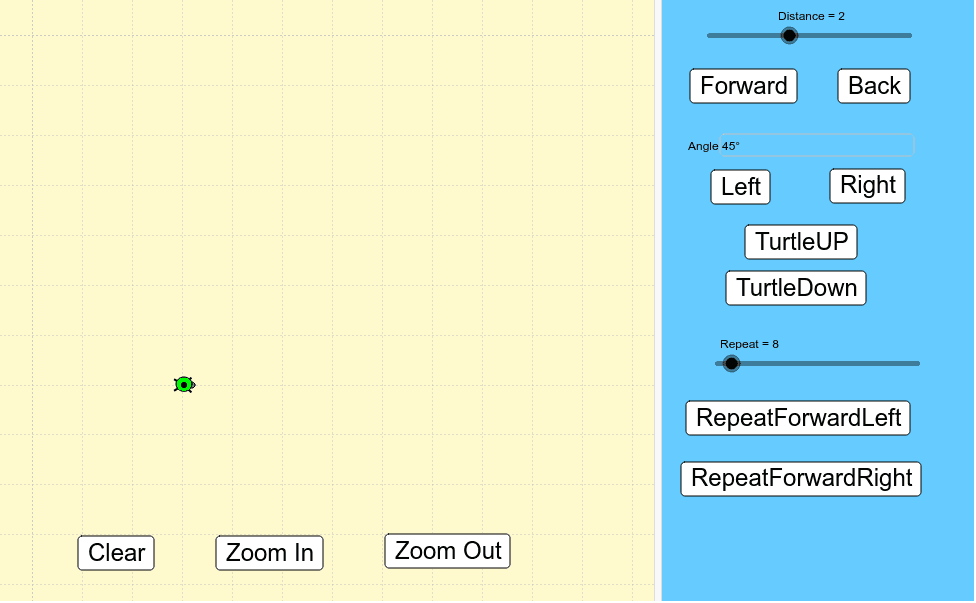
① This example demonstrates how to control a turtle's movement and drawing on a canvas using buttons and sliders, dynamically generating geometric shapes. ② Core mathematical concepts include angles, distances, directions, and construction of basic polygons and right triangles, along with numerical input and variable control. ③ Construction highlights: The GeoGebra Turtle command creates the turtle object; Textfield allows numeric input; Clear resets the canvas; α serves as an angle variable; Distance sets forward step length; Forward/Back move the turtle; Left/Right change orientation; Up/Down lift or lower the pen; Repeat, RepeatFL, and RepeatFR enable loop-based drawing; Zin/Zout zoom the view; tut may assist tutorials. ④ Suitable for upper elementary to middle school students learning geometry and basic programming logic, and for classroom demonstrations of dynamic geometric constructions to foster spatial reasoning and algorithmic thinking.
GeoGebra Commands & Parameters
Textfield(α) → AngleTurtle() → tut