
Triangle and Line Segment Construction
Loading the math board and drawing, please wait…
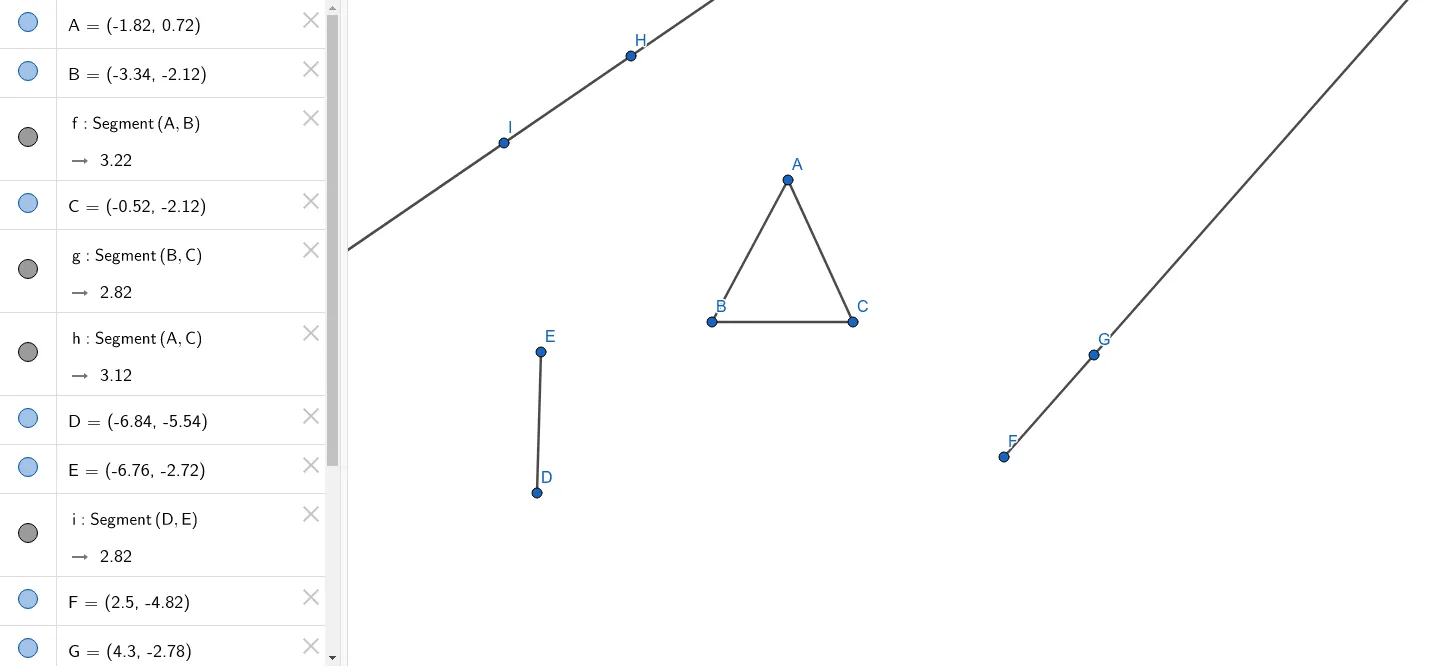
This example demonstrates how to construct triangles and line segments in GeoGebra. It involves core mathematical concepts such as line segments, ellipses, real numbers, binomial distribution, quadrilaterals, and dilation. The construction uses commands like Segment, Ray, Line, and objects A, B, f, C, g, h, D, E, i, F, G, j, H, I, k. It is suitable for high school mathematics teaching, illustrating geometric constructions and transformations.
GeoGebra Commands & Parameters
Segment(A, B) → fSegment(B, C) → gSegment(A, C) → hSegment(D, E) → iRay(F, G) → jLine(H, I) → k
AI Drawing Prompt Reference
Draw a triangle ABC by connecting points A and B, B and C, and A and C. Then draw another triangle DEF by connecting points D and E. Next, draw a ray starting from point F and a line passing through points H and I.
The prompt above was compiled from the original drawing commands and is for reference only.