
Trapezium Area and Rectangle Connection
Loading the math board and drawing, please wait…
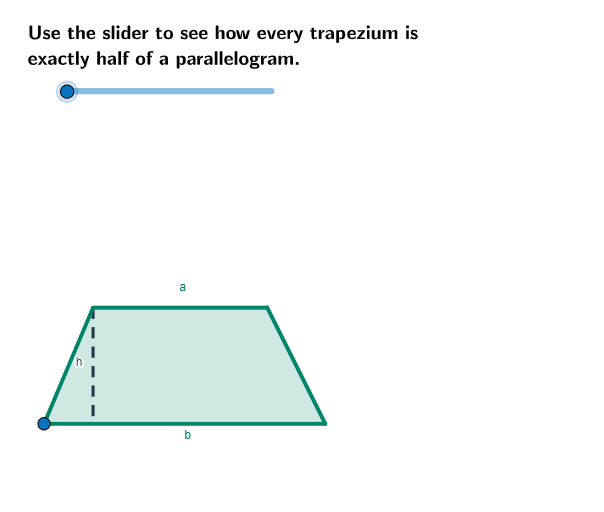
This example demonstrates the calculation of a trapezium's area and its connection to a rectangle. Key math concepts include trapezium area formula, properties of parallel lines, and rectangle area calculation. GeoGebra commands like Ray, Point, Polygon, OrthogonalLine, Intersect, Segment, Midpoint, Rotate are used to construct the trapezium, rectangle, and auxiliary lines. Suitable for middle school and above students learning geometric area calculations and proofs, or for mathematical teaching demonstrations.
GeoGebra Commands & Parameters
Ray(C_1, E) → bPoint(b) → DPolygon(A, D, C, B) → poly1, a_1, b_2, d, b_1OrthogonalLine(A, b) → aIntersect(b, a) → FSegment(A, F) → hMidpoint(d) → GRotate(A, (-α), G) → A'Rotate(D, (-α), G) → D'Rotate(C, (-α), G) → C'Rotate(B, (-α), G) → B'Polygon(A', D', C', B') → poly1', a', d', c', b'
AI Drawing Prompt Reference
Draw a trapezium and show how rotating its top base horizontally creates a rectangle related to its area. Start by constructing the trapezium's four sides, then find the perpendicular line from the top base and mark the intersection point. Rotate the top base around the midpoint of the trapezium to a horizontal position, then use the rotated points to form a new quadrilateral, illustrating the area connection.
The prompt above was compiled from the original drawing commands and is for reference only.